
The 12 Days of Techmas 2025

Welcome to the 2025 edition of the 12 Days of Techmas! For the next 12 days, I will post a bitesize review of some of the best tech that I’ve used throughout the year. You’ll read about many products, from LED facemasks, gaming gear to Christmas lights and everything in between. We’d like to wish all of our readers and fans a very Merry Christmas and a prosperous new year.
Day 1 – Creative Stage Pro

At around £130 in the UK, the Creative Stage Pro is a real step up from your built-in TV speakers and will upgrade your TV audio without breaking the bank.
It is simple to set up and offers plenty of connection options: HDMI ARC (with CEC so your TV remote works), optical-in, AUX, USB-C, and Bluetooth 5.3.
The Creative Stage Pro looks pretty sleek in a matte black finish with bronze/gold accents at the ends, and its relatively small size means it fits perfectly under a monitor or TV. The subwoofer is slim enough to tuck away without taking up too much of your space.
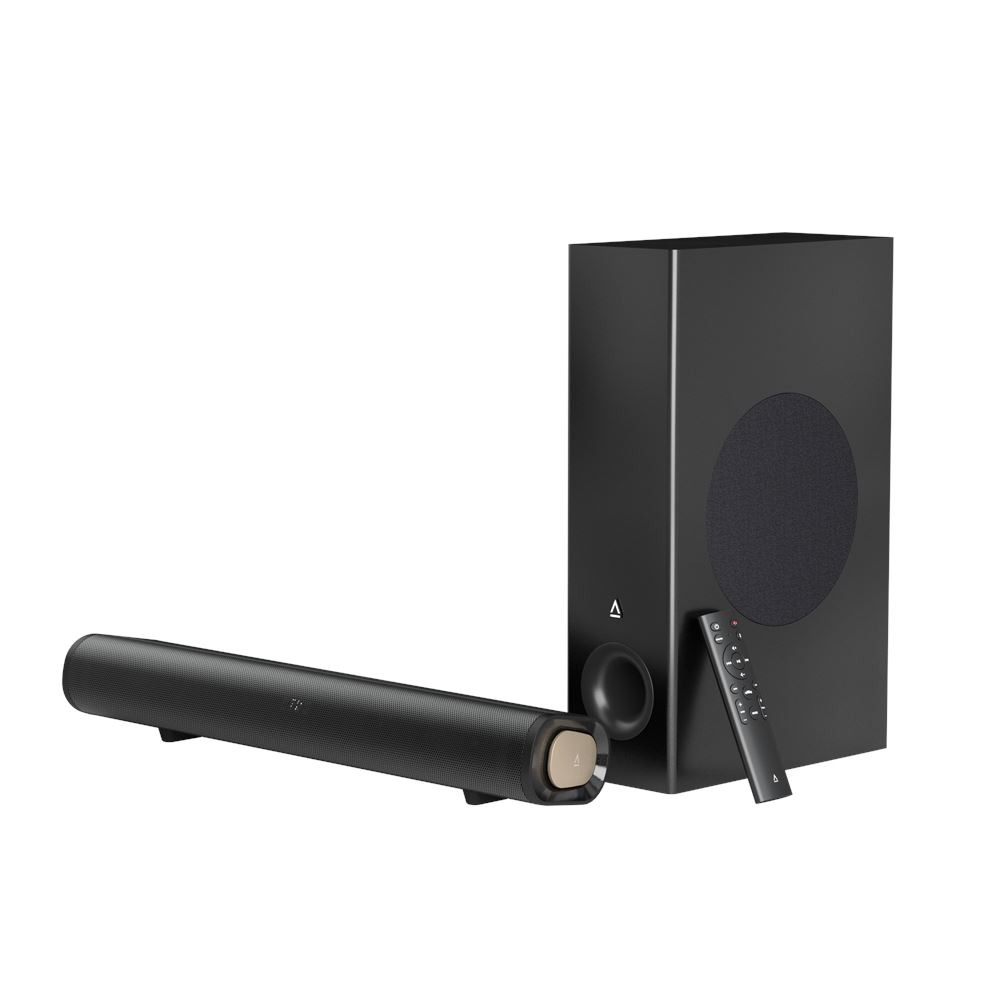
The Stage Pro has built-in Dolby Audio and Dolby Digital Plus decoding, so it can process and play back audio encoded in those formats. In practical terms, this means that you’re getting clearer dialogue and a more cinematic sound from compatible content on platforms like Netflix.
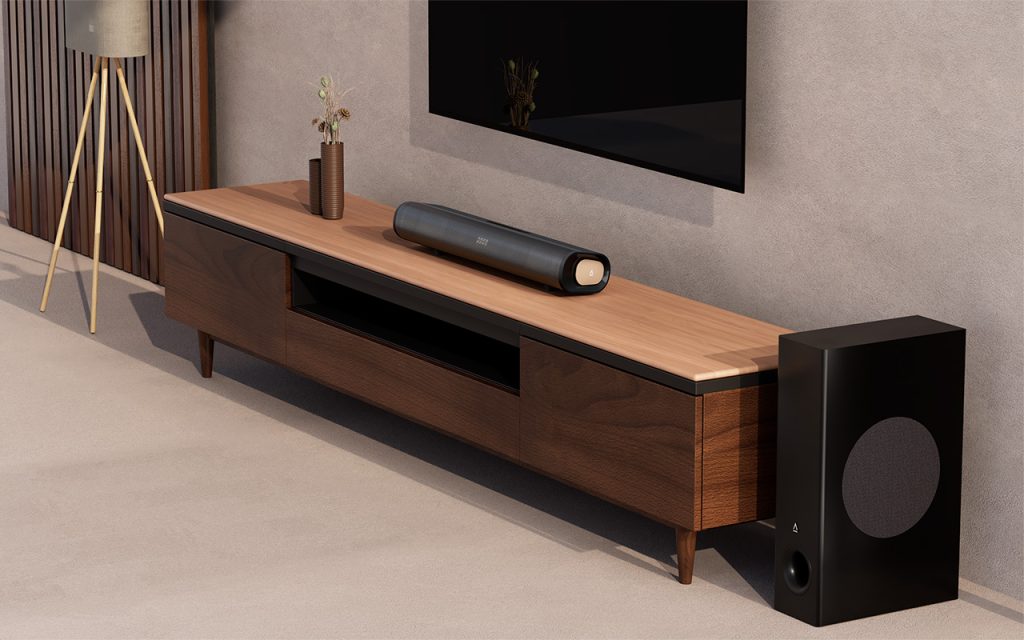
The “SuperWide” mode is my favourite feature. You can pick Near or Far, depending on whether you’re close up at a desk or sitting farther away on the couch. Creative uses some digital magic to make the soundstage feel much wider than the speakers actually are, making gaming and watching movies feel far more immersive. The subwoofer also really stands out. It’s not as powerful as a high-end system, but compared to your TV’s built-in speakers, you’ll notice more bass and presence.
A downside for me was the lack of an App, which means that there is no way to update the firmware or tweak the EQ settings. Speaking of EQ settings, the available options are Movie, Music, Vocal, and Gaming. The only one missing for me is a live sports mode.
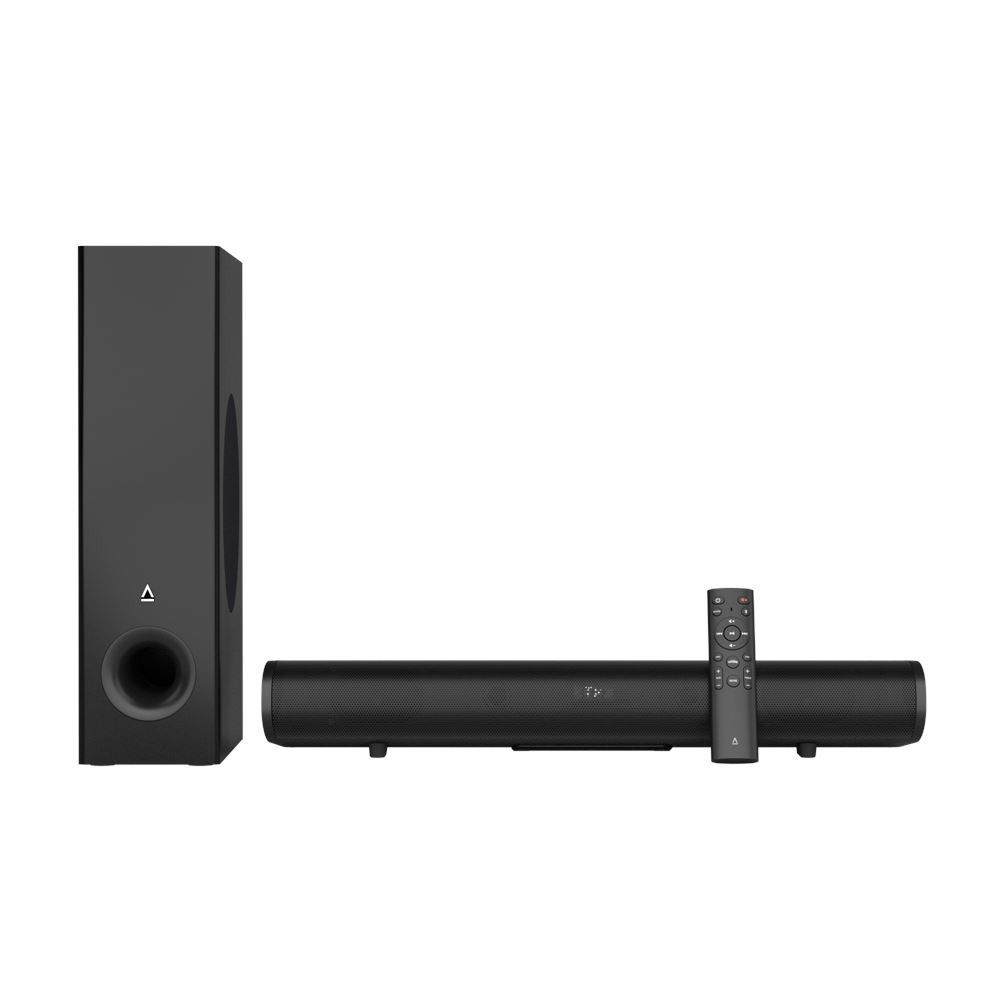
If you want a simple way to make TV shows, games, and music sound bigger and clearer without spending much and getting complicated, the Creative Stage Pro is a strong choice. It’s not going to compete with the more expensive systems, but for everyday living room or desk setups, it punches well above its price.
If you’re looking for a new soundbar and want to find out more, you can visit the Creative website.
Day 2 – Nanoleaf Matter Smart String Lights (300 LEDs)

Sleek and Smart
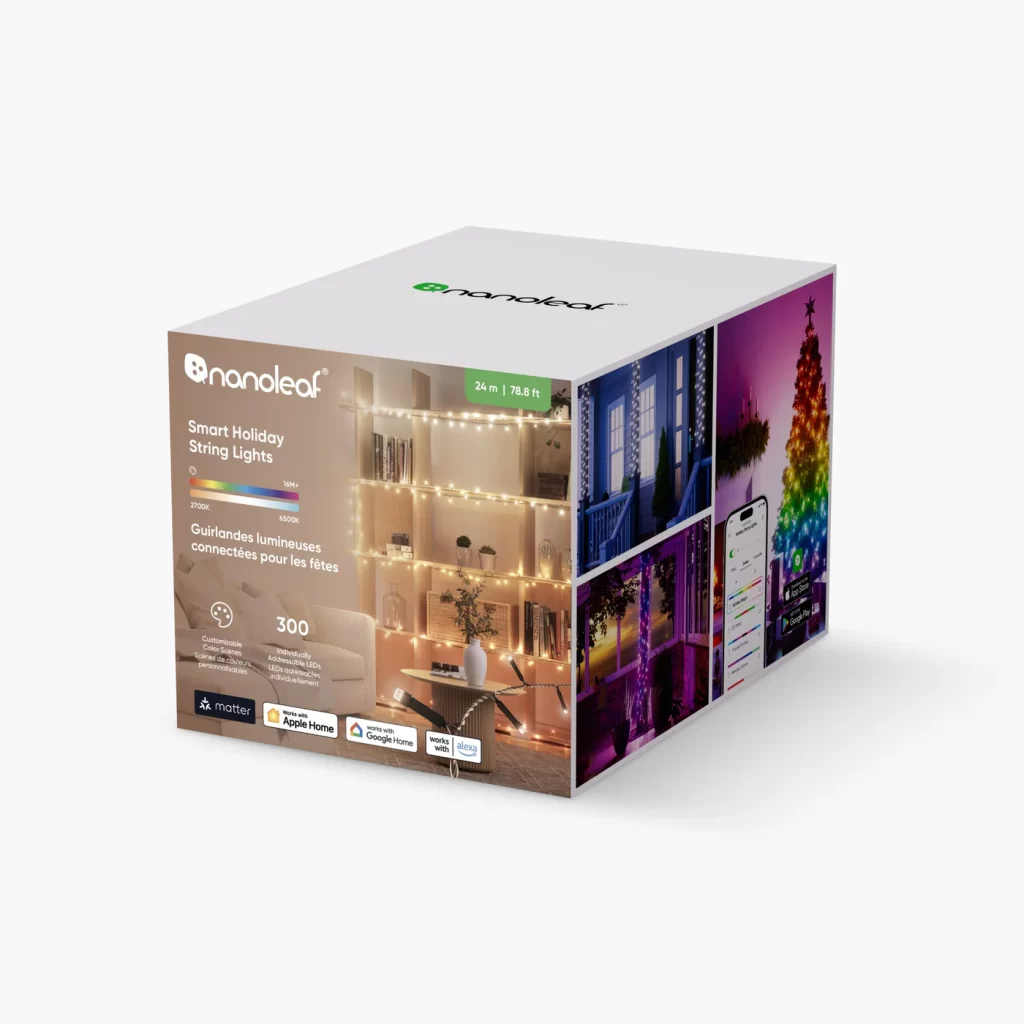
As soon as you open the box, these lights feel high-quality. The packaging looks neat, and the lights are solid and well-made. Unlike regular Christmas lights, the Nanoleaf 300s split into two 12m strands coming from the controller. This sounds weird until you actually use them. This design makes it so much easier to start in the middle of the tree and work your way up and down without getting into the usual annual wrestling match with the traditional spring lights.
Simple Setup
Setting them up is very easy. Just plug them in, scan the QR code with the Nanoleaf app, and you’re ready to use them. The app is simple to use and lets you adjust brightness, colours, and effects quickly. Matter compatibility is a big advantage, letting them work with Apple Home, Google Home, and Amazon Alexa without an extra hub.
Christmas Customisation
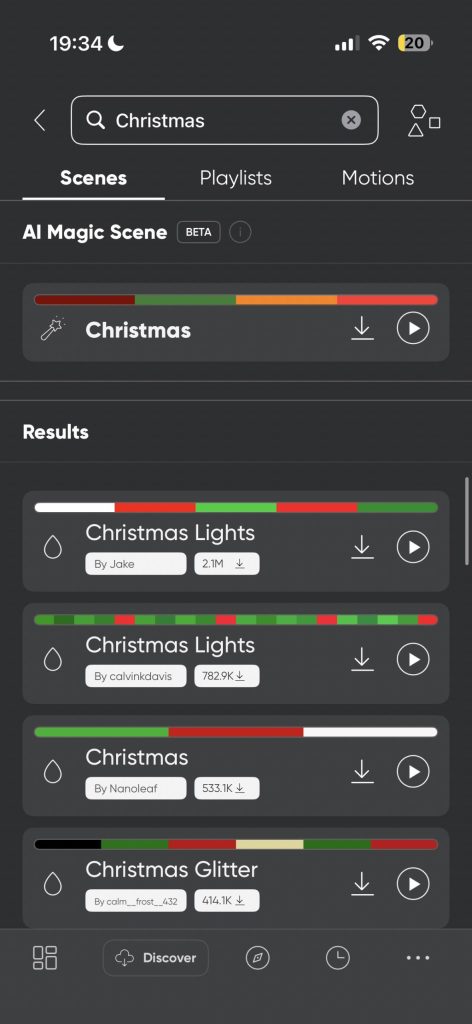
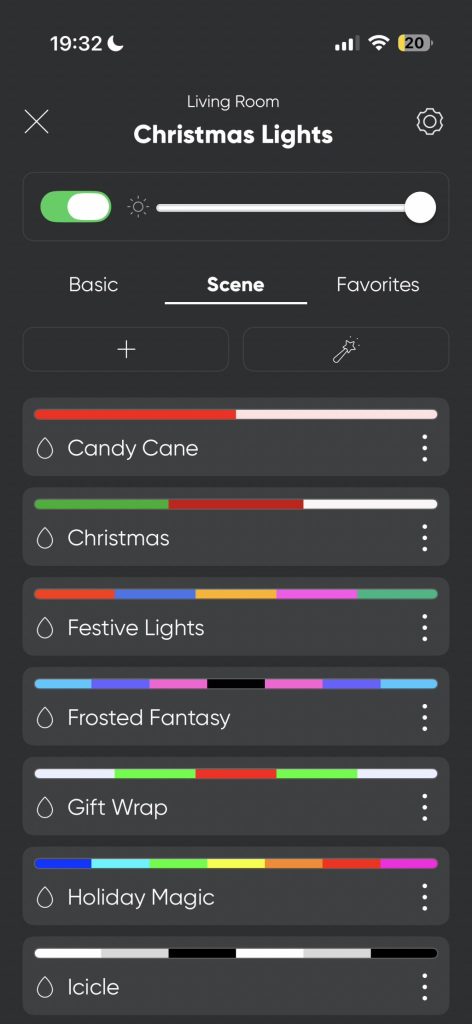
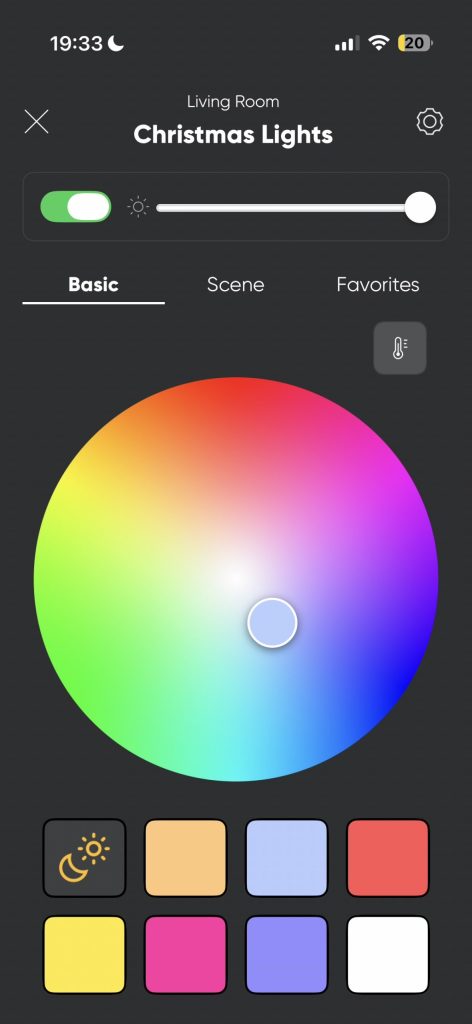
This is where the Nanoleaf Christmas lights stand out. With more than 16 million colour choices and dynamic lighting effects, you can match the lights to your mood, your decor, or even sync them with music. If you want a cosy, warm white for a quiet night, you can do that. If you want a colourful light show for a party, that’s easy too. This was particularly important in my house, as my wife is a fan of traditional warm white lights, while I like the garish, bright colours of Christmas. The app has preset scenes, but you can also create your own and download others made by Nanoleaf or other users.
Brightness and Quality
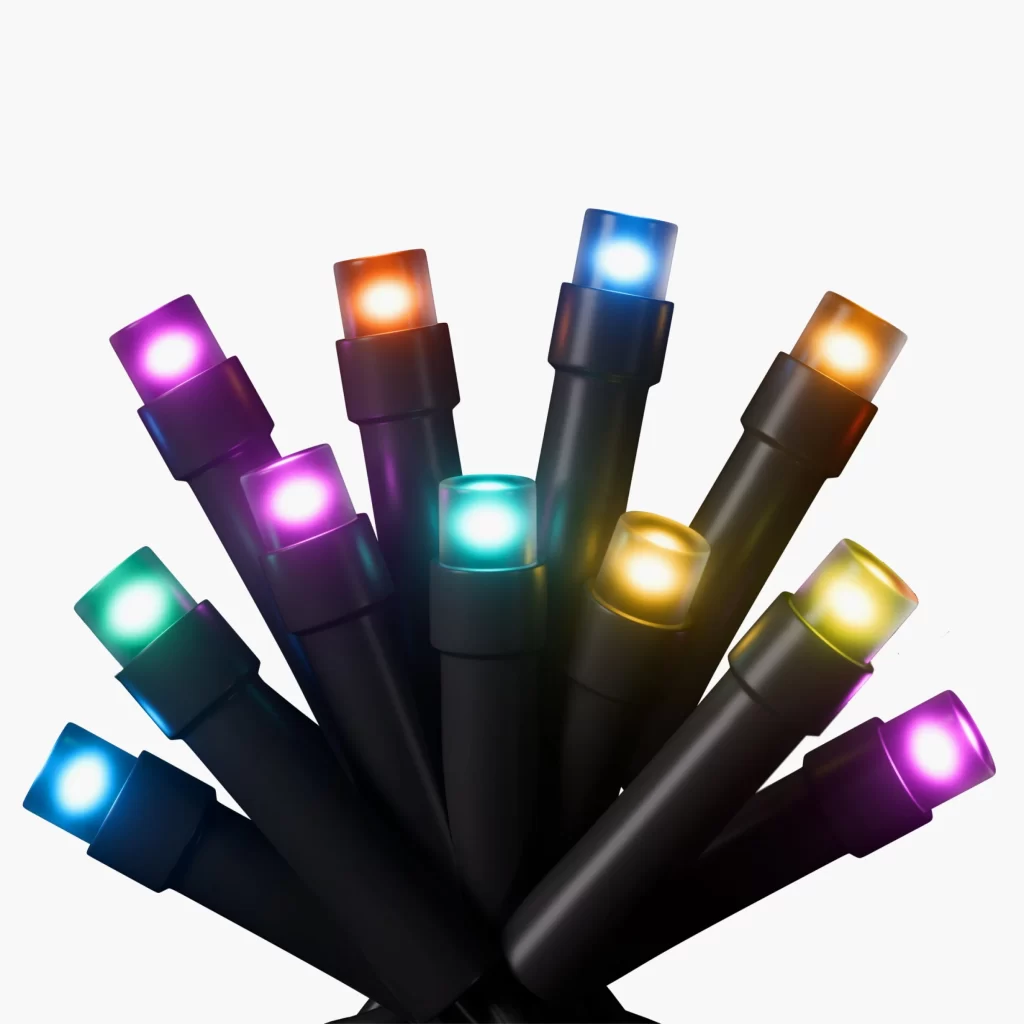
At 300 lumens, the lights are bright enough to stand out, but not so strong that they seem harsh. The colours look accurate, and the transitions between colours are smooth. You can use them indoors or outdoors, as they’re IP44-rated, and they add a modern, lively feel to any space. The lights also feel tough enough to handle being moved or packed away after the holidays.
Value for Money
At around £90 (currently on offer for around £60), they’re definitely pricier than your average string lights. But if you’re into smart home tech and want something that’s both functional and festive, the Matter Smart String Lights (300 LEDs) are worth the investment. They’re not just for Christmas, either—use them year-round for parties, gaming setups, or ambient lighting.
Final Verdict
The Nanoleaf Christmas Lights are easy to set up, fun to use, and integrate seamlessly with other smart home devices. If you’re into smart home gear and want your lighting to be more than the standard string lights — something that’s playful, customisable, and syncs with music — these are a solid choice.
If you’d like to find out more about these lights, you can visit the Nanoleaf website.
Day 3 – Anker Prime Wireless Charging Station (3-in-1, MagGo)
First Impressions & Design
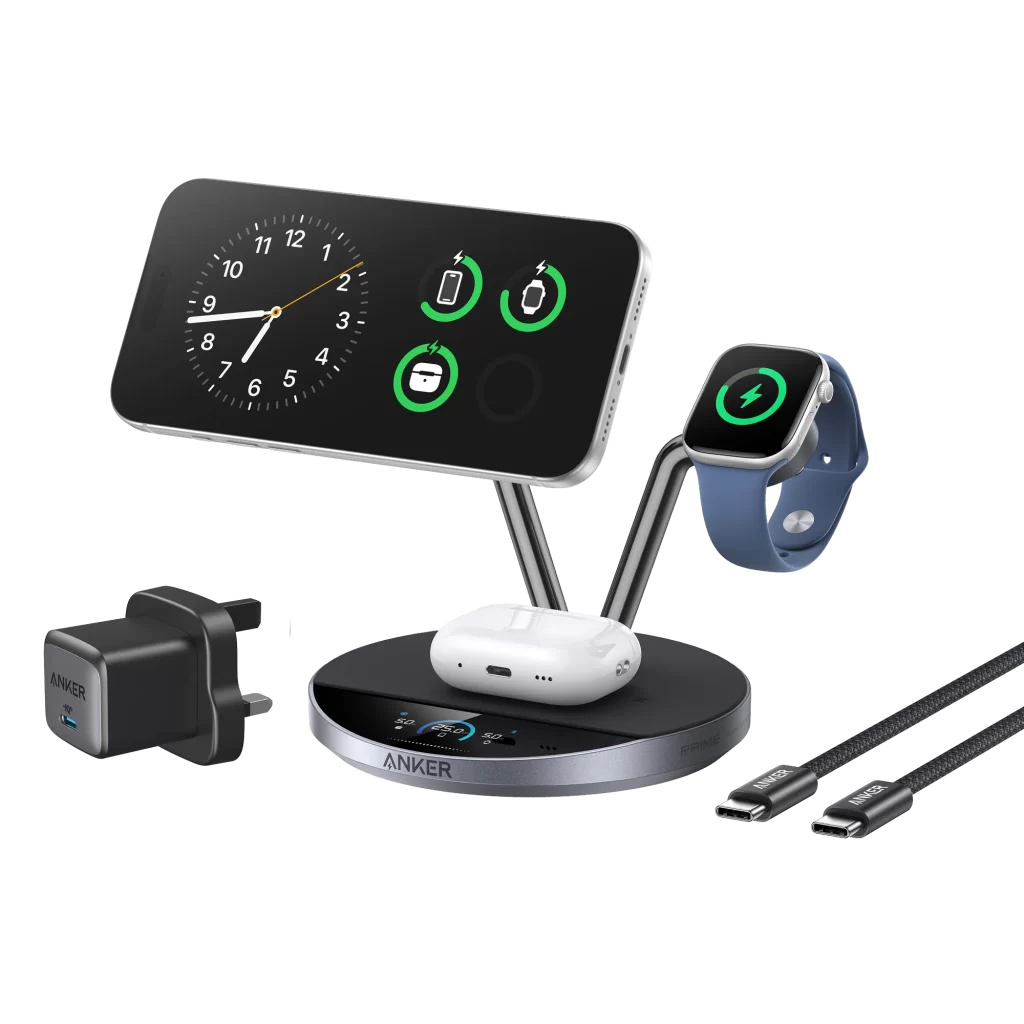
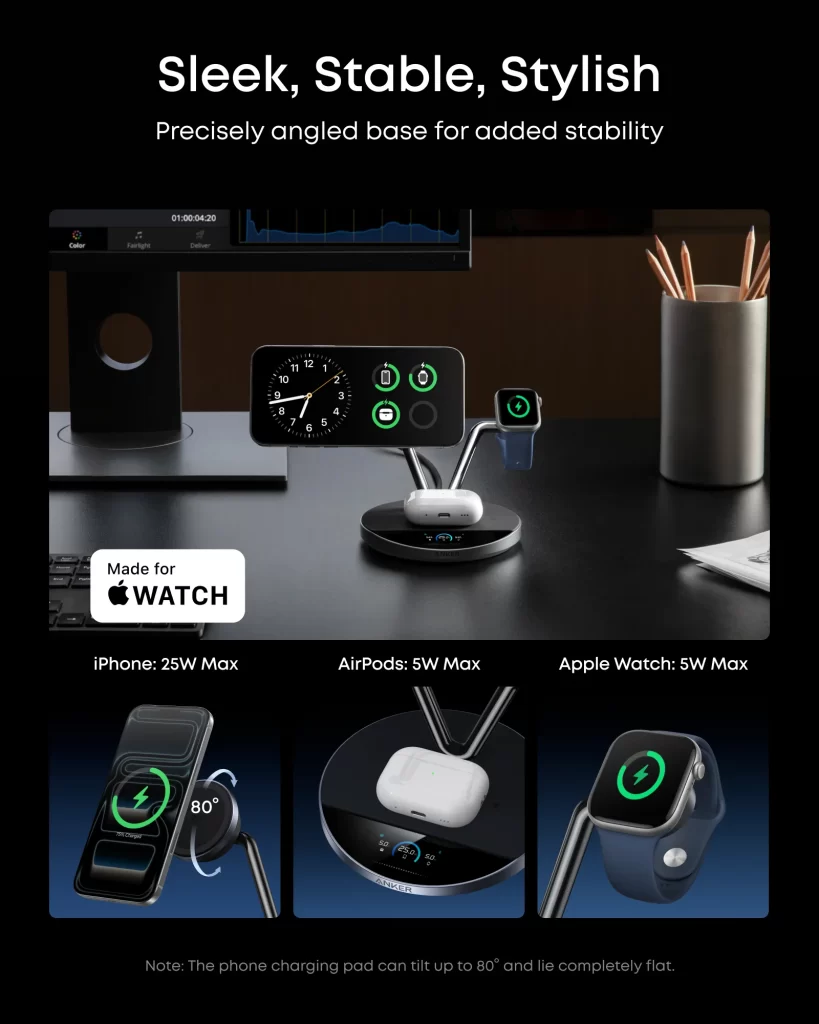
The Anker Prime Wireless Charging Station (3-in-1, MagGo) is sleek, compact, and looks right at home on a desk or nightstand. It’s got that classic arm design, and the build quality feels premium—no cheap plastic here. The stand supports your iPhone, Apple Watch, and AirPods all at once, which is super convenient if you’re deep in the Apple ecosystem.
Charging Speed & Performance
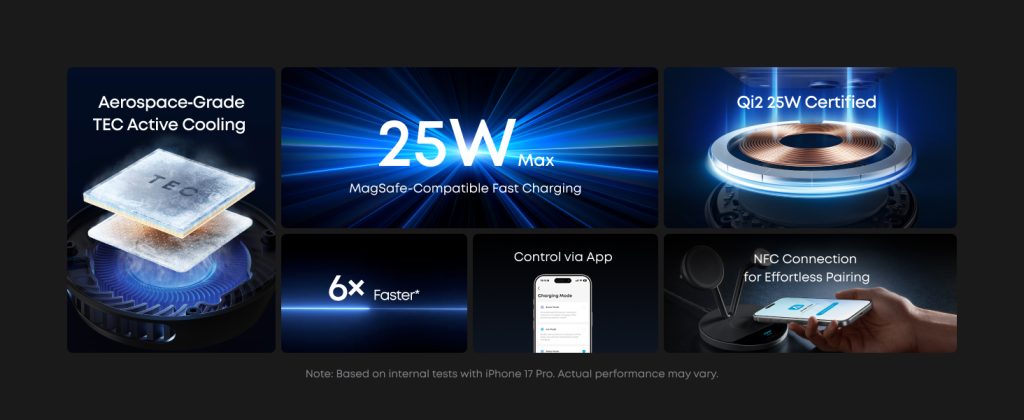
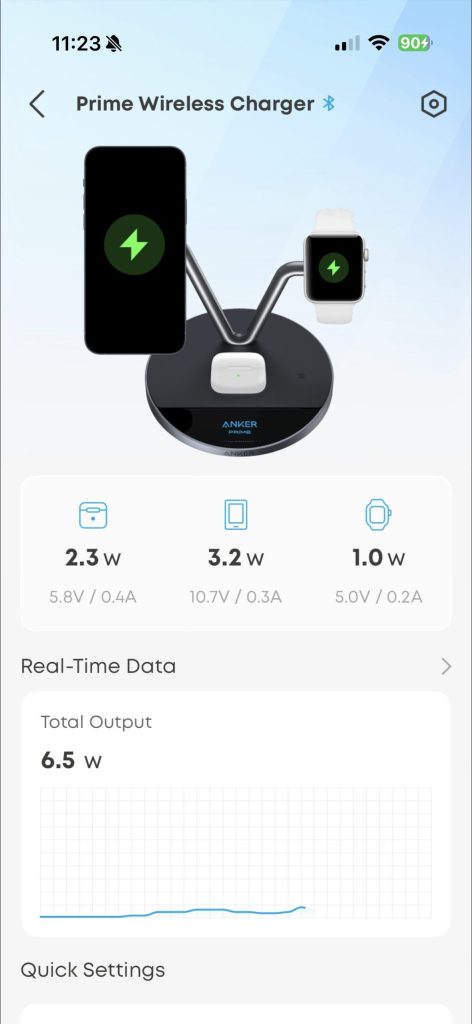
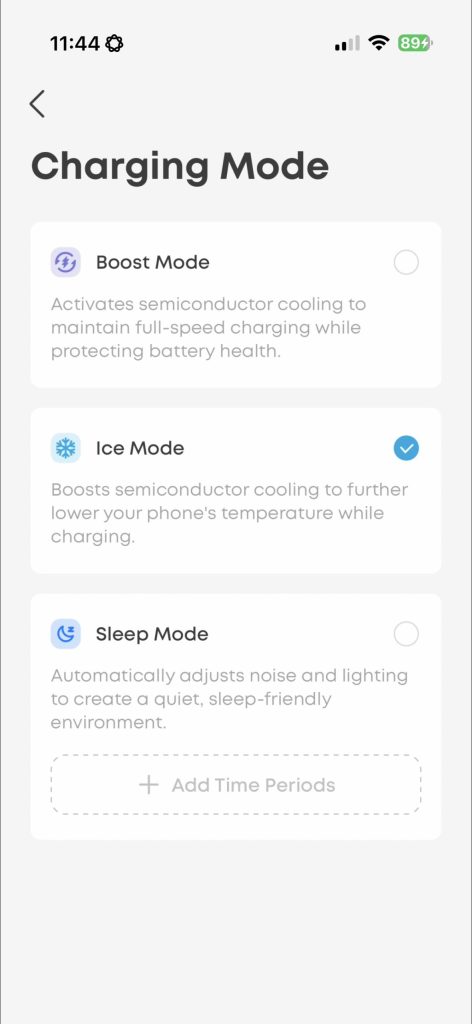
This is where things get exciting. The stand uses the latest Qi2 25W tech, which means it can fast-charge an iPhone 17 Pro to 50% in about 22 minutes! The Aerospace-Grade TEC Active Cooling keeps your phone from overheating, which is excellent for long-term battery health.

In fact, when using Ice Mode, your phone will be cold to the touch when you pick it up! The magnets are powerful, so you can be confident your expensive products won’t fall off. Also, the stand is adjustable, so you can angle it to your preferred position for Face ID or watching videos.
Smart Features
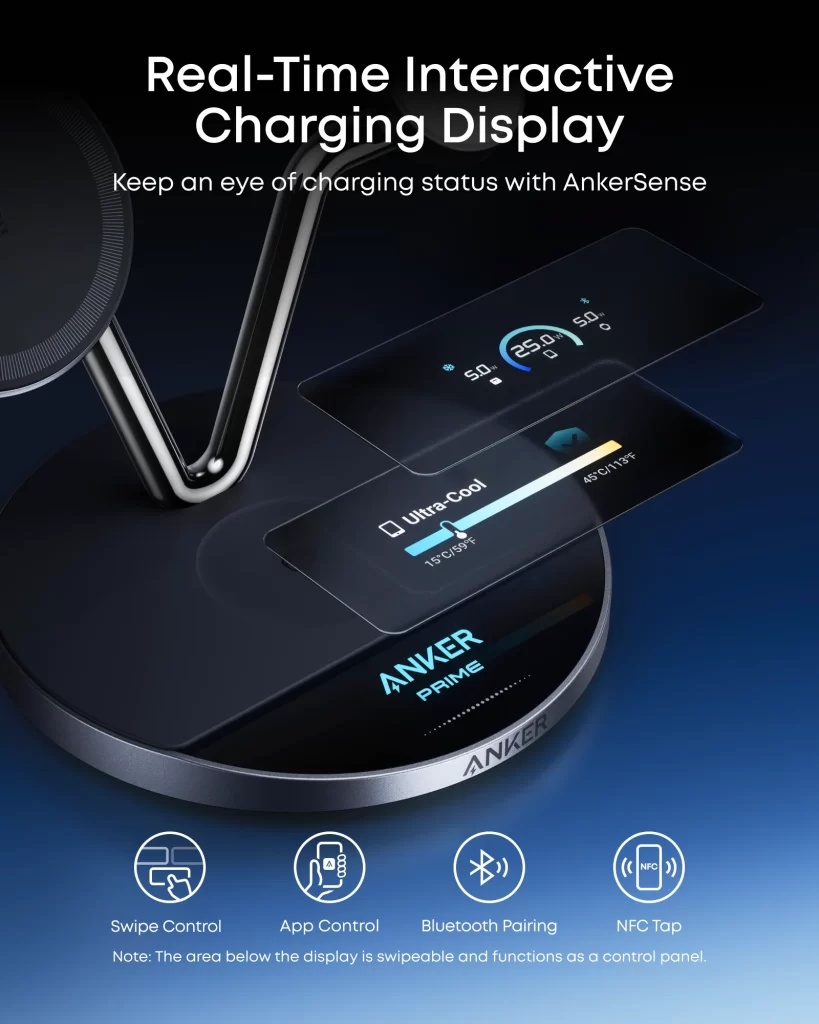
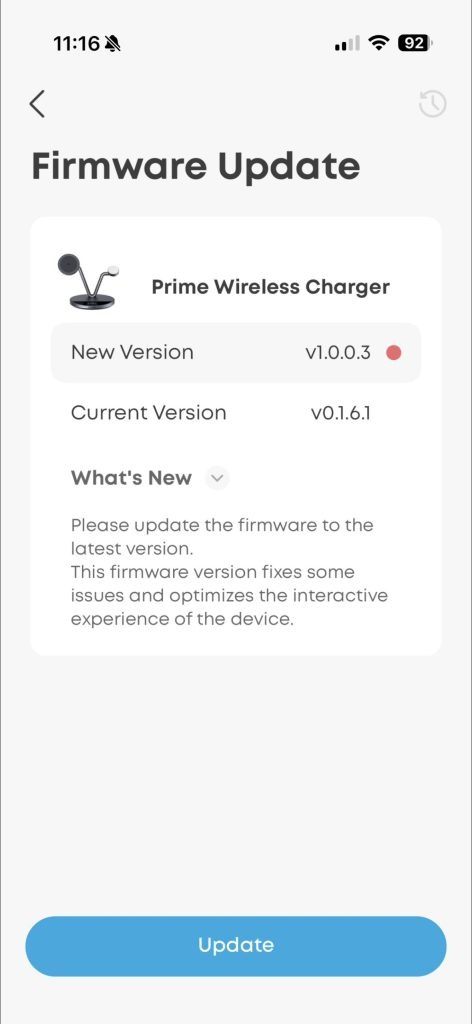
The built-in display is a nice touch. It shows charging speeds, temperature, and even doubles as a customizable clock. You can tweak settings via the Anker app, like setting sleep modes or adjusting the clock face. It’s not just a charger—it’s a mini smart hub for your desk.
Price & Competition
At around £160, it’s not cheap. You can find other Qi2 25W chargers for less, but most don’t have the same combo of speed, cooling, and innovative features. If you want the best of the best and don’t mind paying for it, this is a solid pick.
Verdict
The Anker Prime Wireless Charging Station (3-in-1, MagGo) is the Swiss Army knife of wireless chargers – versatile, powerful, and a bit of a show-off on your desk. Super convenient for decluttering cables, and the techy features make it fun to use. It’s especially great for Apple users who want to keep their devices juiced up quickly and safely.
Check out this product on the Anker website.
Day 4 – RIG R5 Pro HS
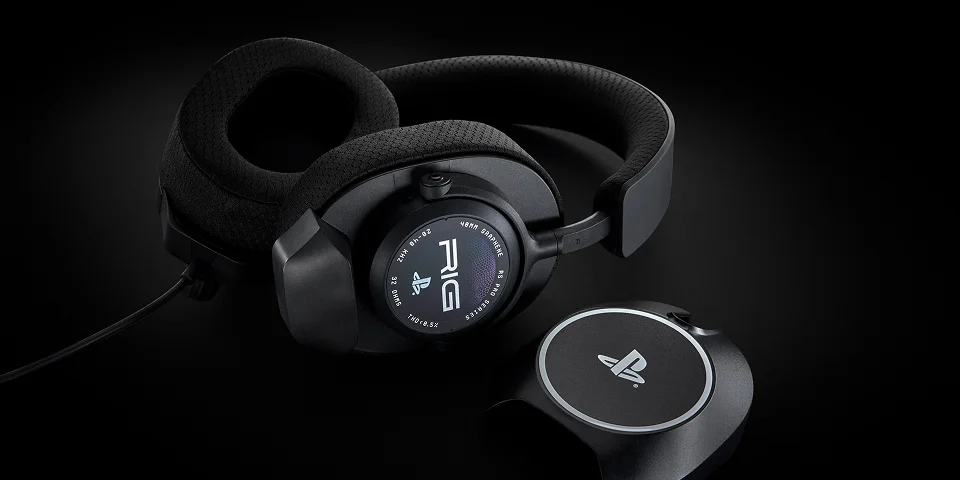
I recently tried out the RIG R5 SPEAR PRO HS, and I’ve got to say, it’s a pretty solid gaming headset for the price. Thanks to the 40 mm graphene‑coated drivers, sound quality is crisp and detailed, with a punchy bass that makes action games and shooters feel more immersive.
Compatible with Tempest 3D Audio on PS5, the directional audio is surprisingly good, which really helps when you’re trying to track movement in competitive matches. I could pick out footsteps, gunshots, and explosions really clearly in competitive shooters like Battlefield and COD, and I could hear other raiders and ARC enemies approaching in ARC Raiders.
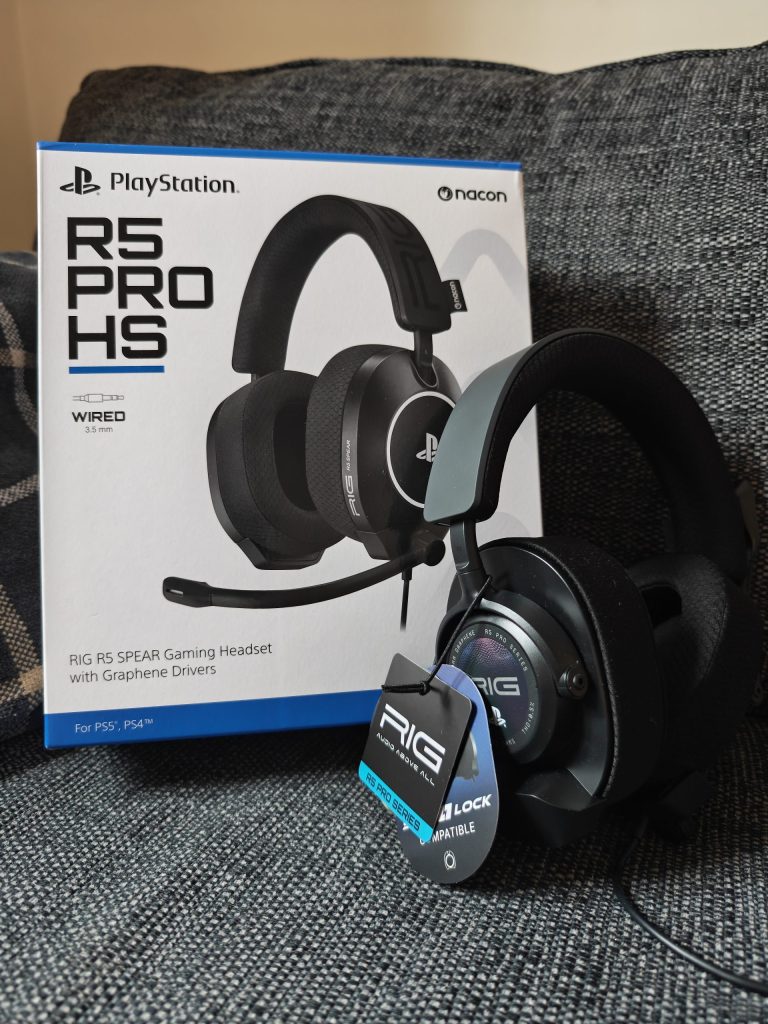
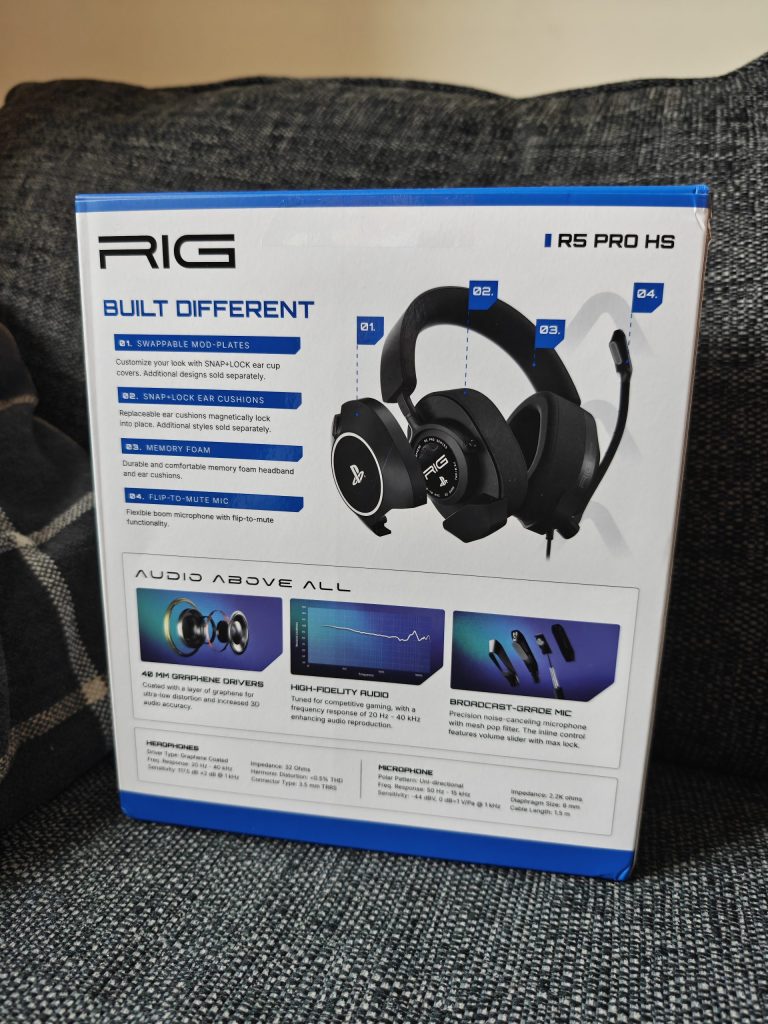
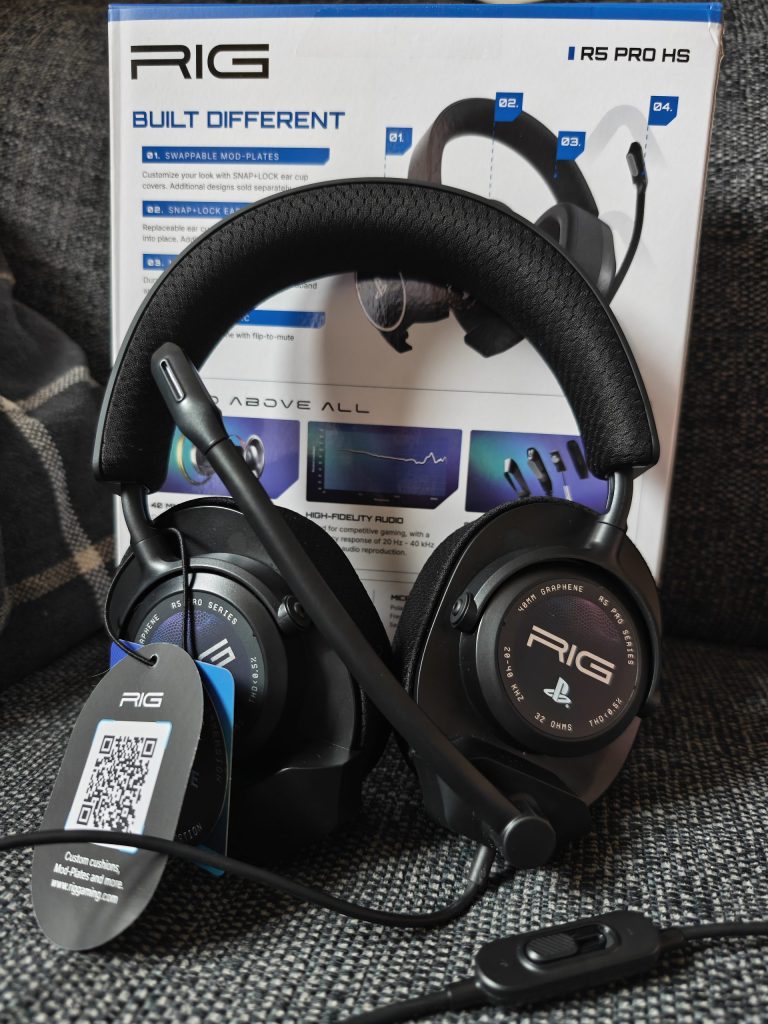
Comfort-wise, the headset is lightweight and sits nicely on the head, even for long gaming sessions. The memory-foam-lined headband and ear cushions are soft and breathable, so I didn’t get that overheated feeling you sometimes get with bulkier headsets.
The mic is another strong point of the RIG R5. It provides clear voice pickup and does a good job of isolating background noise, which is super helpful during multiplayer games. Plus, the flip-to-mute feature lets you mute on the fly without hunting for a button.
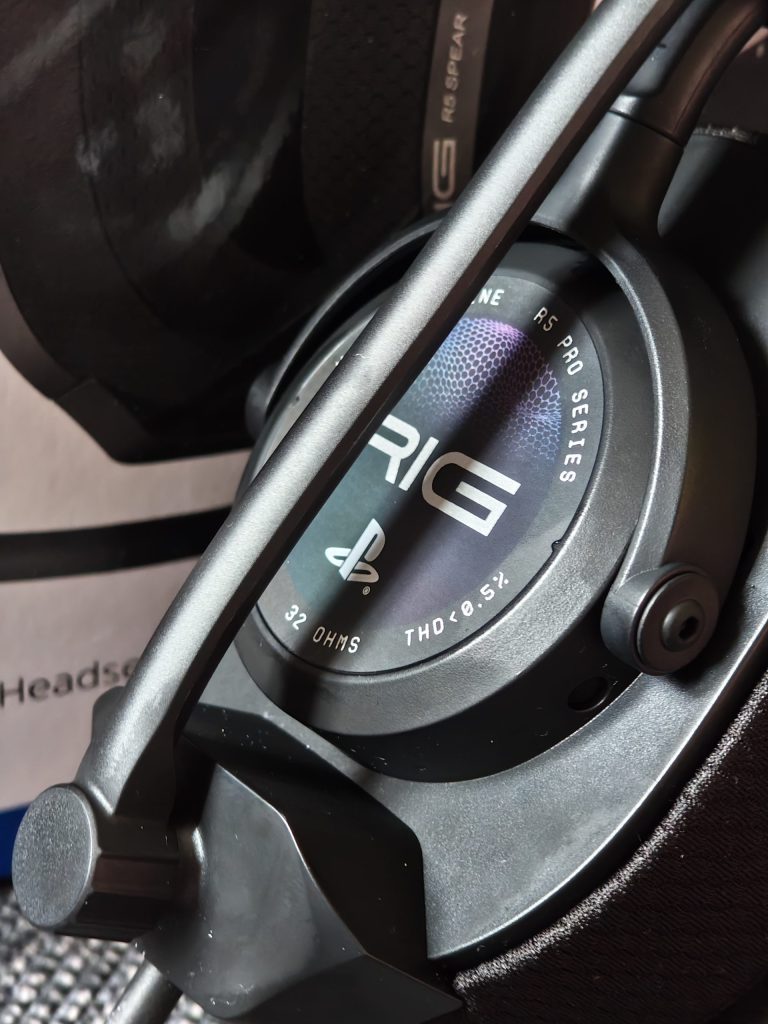
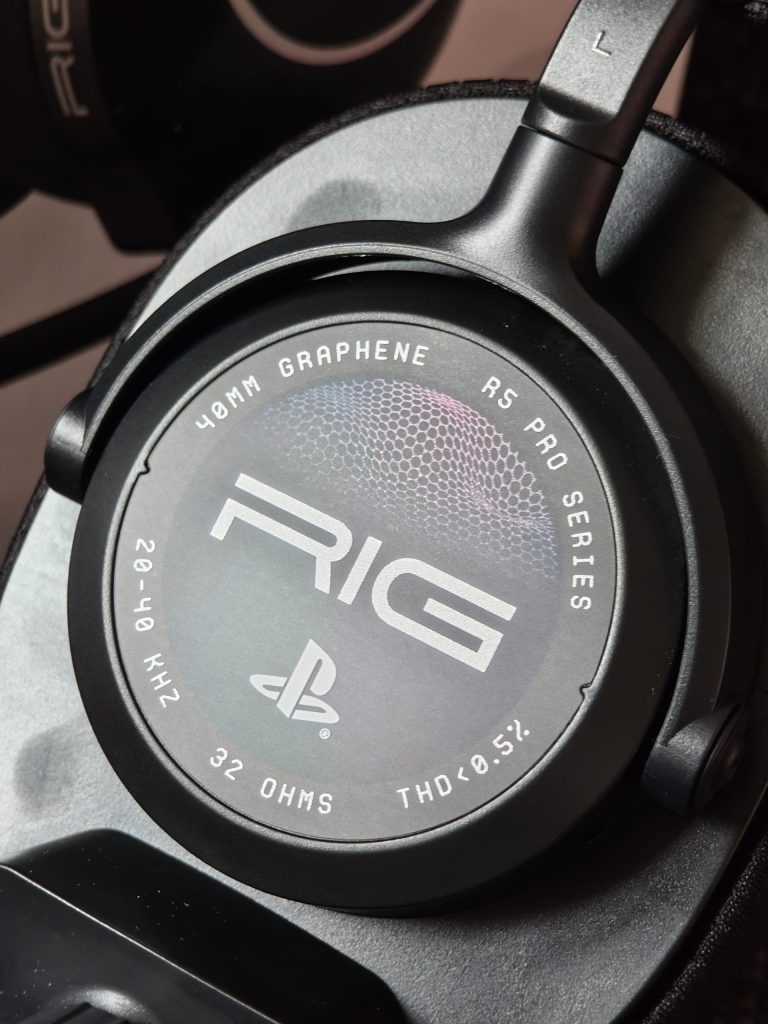
The build feels sturdy but flexible. It’s a straightforward wired headset (3.5 mm jack) with a simple matte black look. However, one quirky but cool touch is the R5 magnetic mod plates (one set included with PlayStation branding). They’re mostly cosmetic, but you can swap in different looks if you want.
The only downside is that it doesn’t offer many extra features or customisation options compared to higher-end headsets. But for a casual gamer or someone who wants a reliable daily driver, the RIG R5 Pro HS is a great pick.
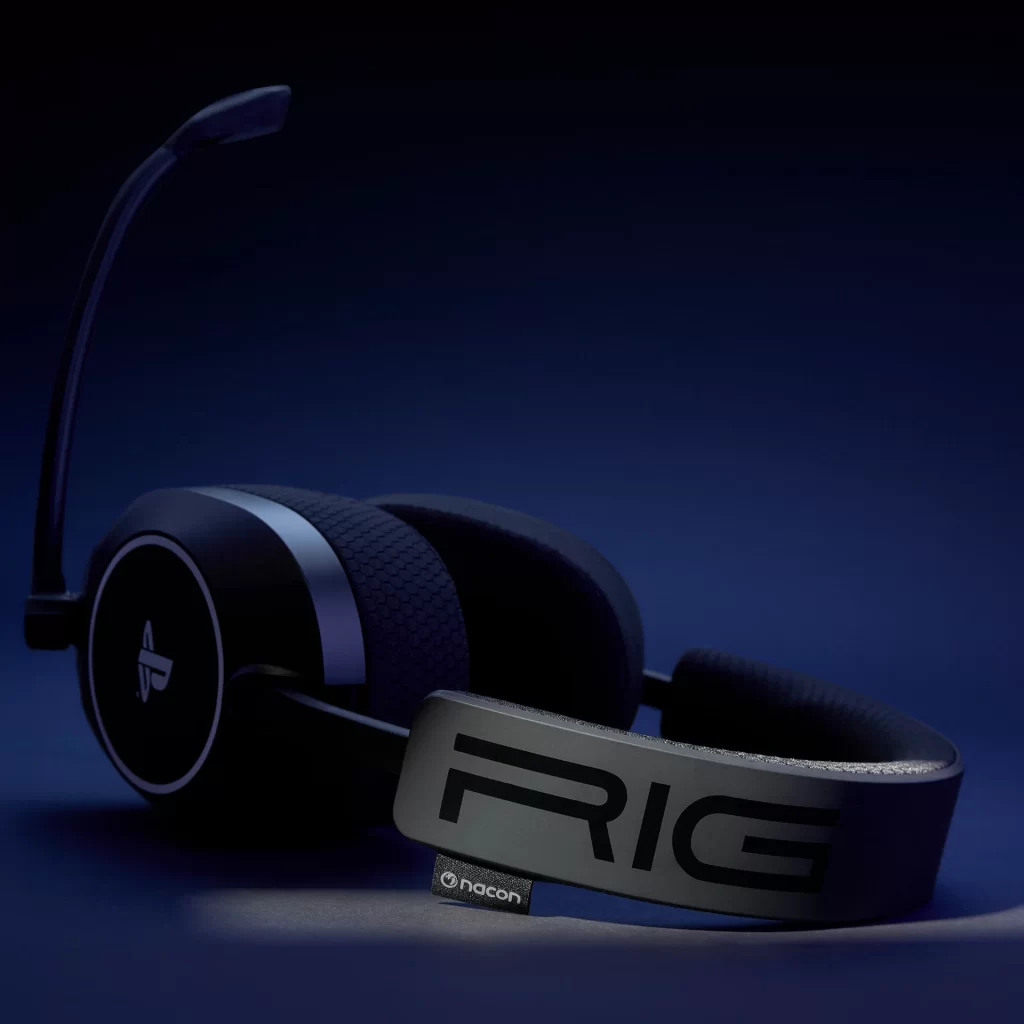
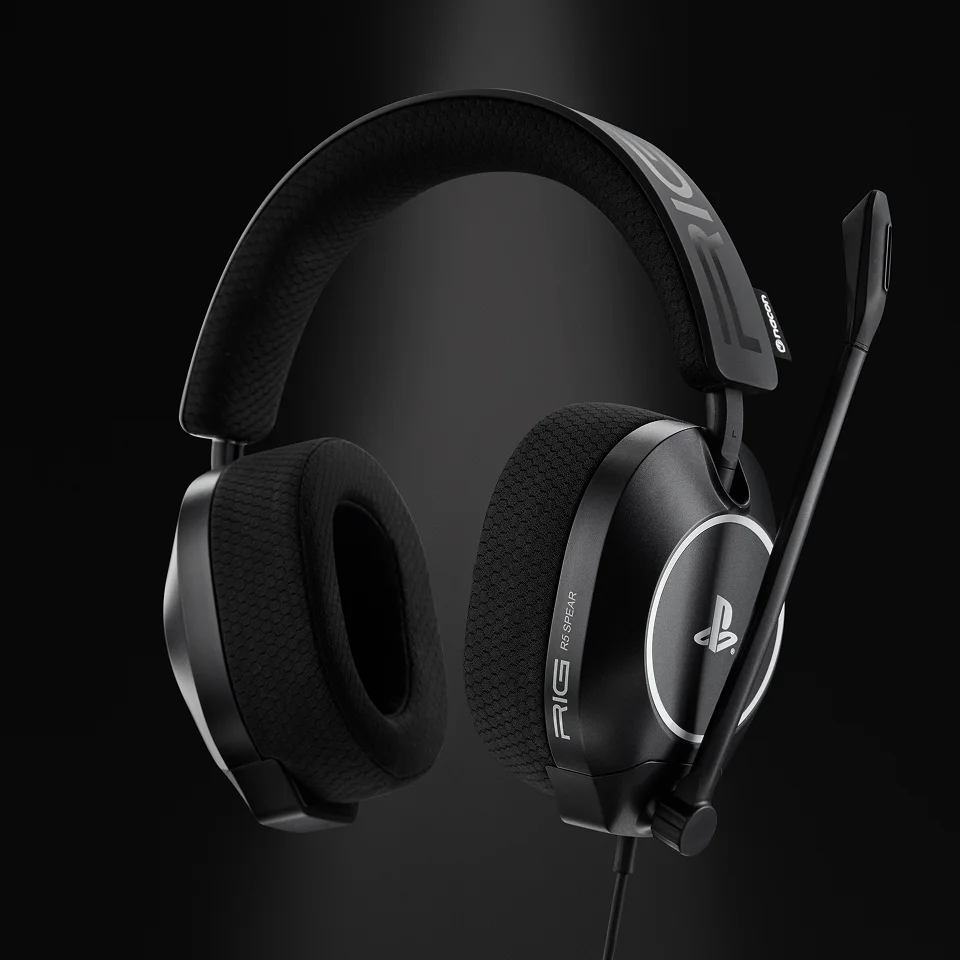
Priced around £70, it sits in the budget‑friendly sweet spot. You get solid audio, comfortable wear and sturdy construction without the extra bells and whistles of pricier models, making it a solid pick for gamers who want good performance without breaking the bank.
Visit the Nacon website to find out more!
Day 5 – Backbone Pro
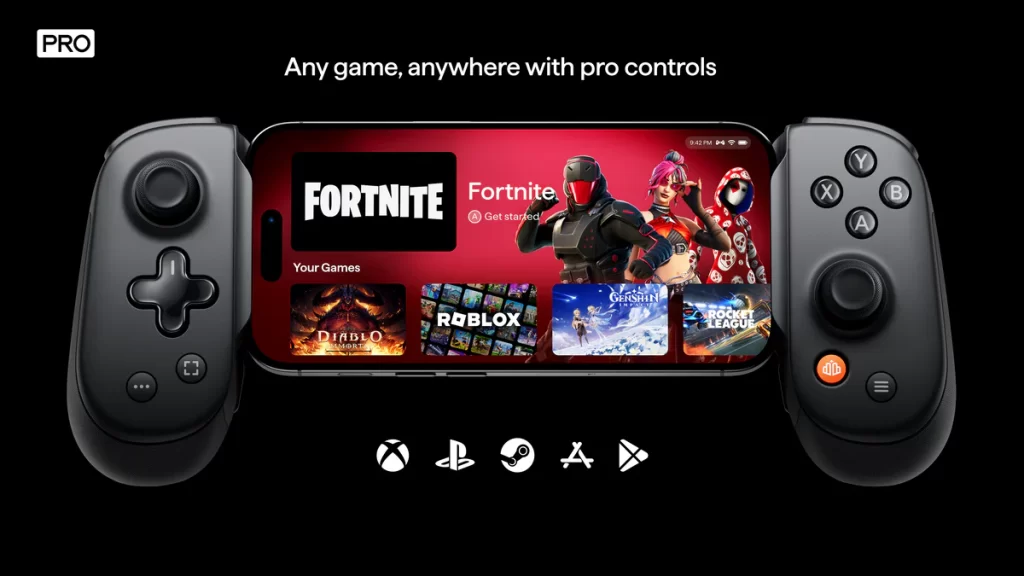
I had the original Backbone controller and loved using it thanks to its comfortable design and software, so I was super excited to get my hands on the latest model, the Backbone Pro.
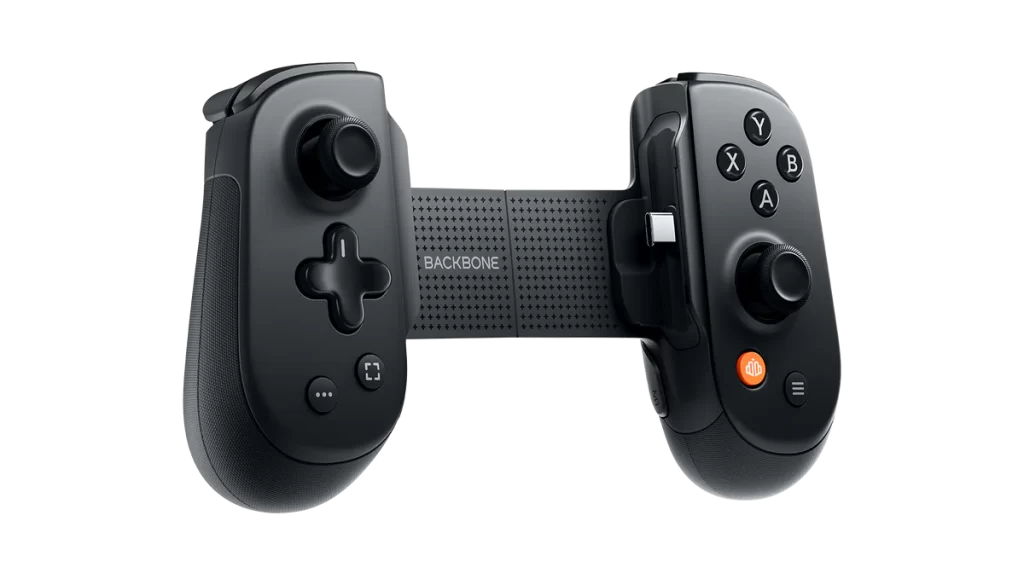
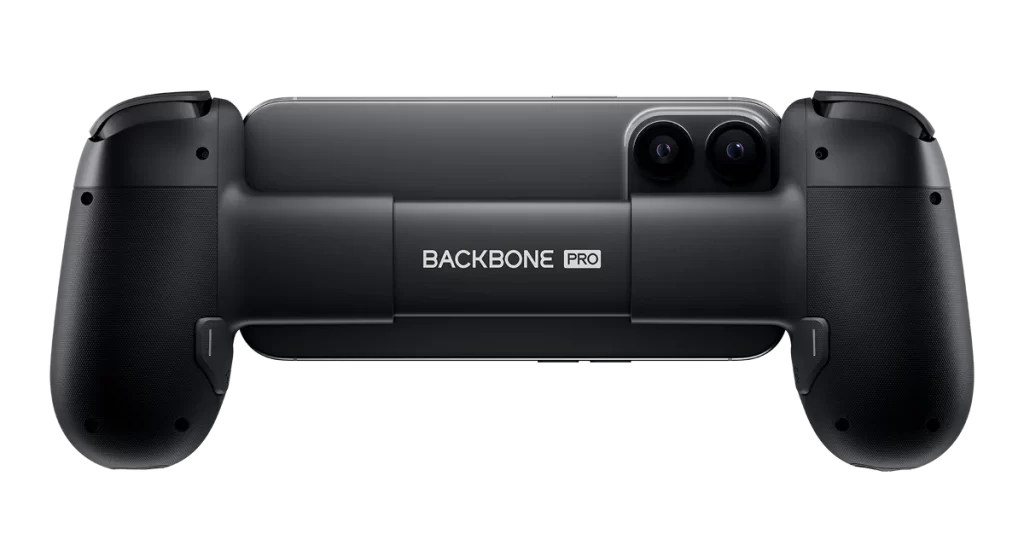
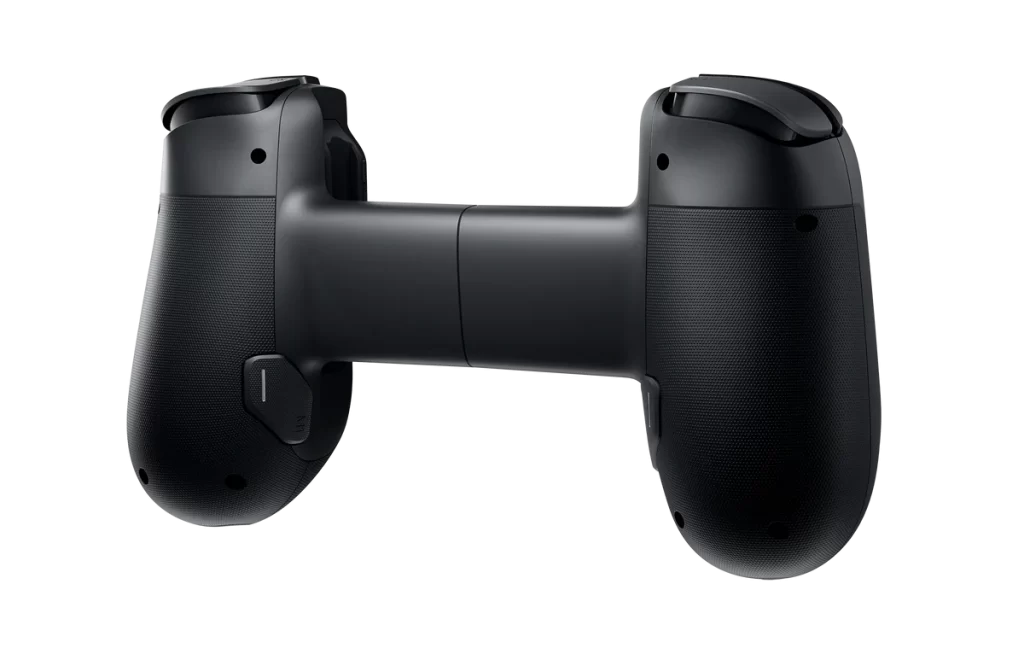
The Backbone Pro is basically a beefed-up version of the original Backbone, with full-size ALPS joysticks, hall-effect triggers that feel super responsive, and a design that’s way more ergonomic thanks to its larger and textured grips.
The build quality feels solid and premium, with the buttons and D-Pad feeling responsive without feeling spongy like most mobile phone gaming controllers. It clips onto my iPhone Air effortlessly, and will fit the 15/16/17 iPhones as well as USB-C Android phones. It comes with some adapters in case it doesn’t fit your phone perfectly.
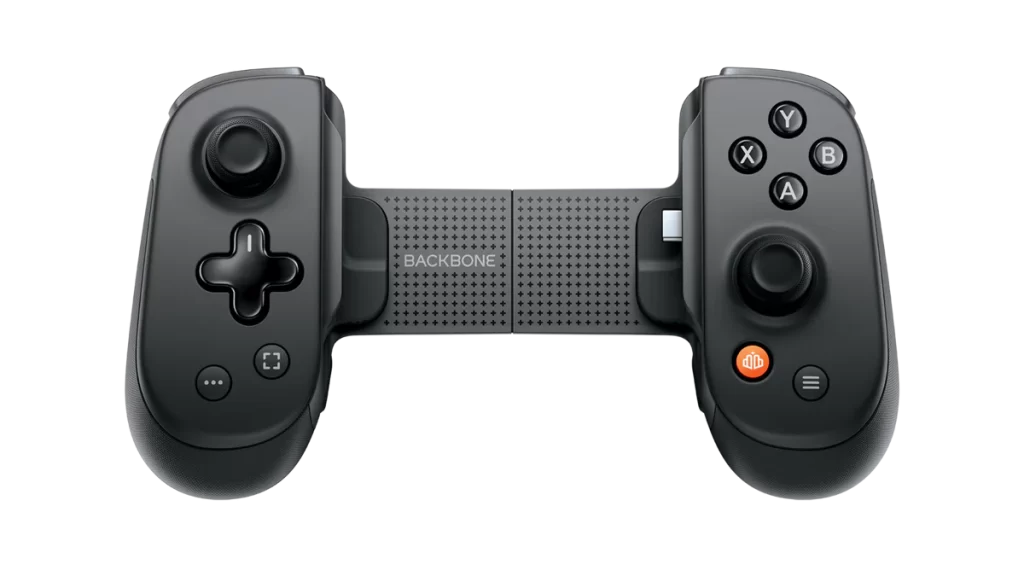
Performance-wise, it’s brilliant for mobile gaming, and the Backbone Pro shines when it comes to responsiveness—featuring ALPS joysticks, which are known for precise movement tracking and reliable centring in game controllers and other input devices. During my time gaming, there was no noticeable input lag, and it really does make playing cloud- and remote-console games much smoother than relying on touch controls.
A new addition to the Backbone Pro is two remappable rear buttons, which provide even more customisation if you play competitive games. Being able to map “jump” or “reload” to the back so you don’t have to take your thumb off the aim stick is a game-changer.
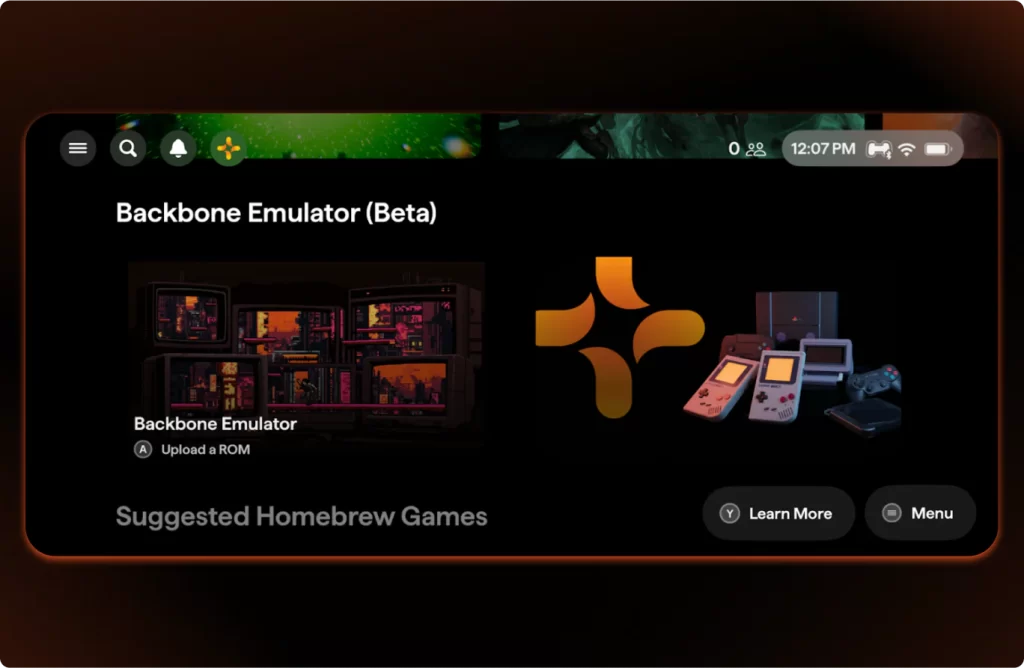
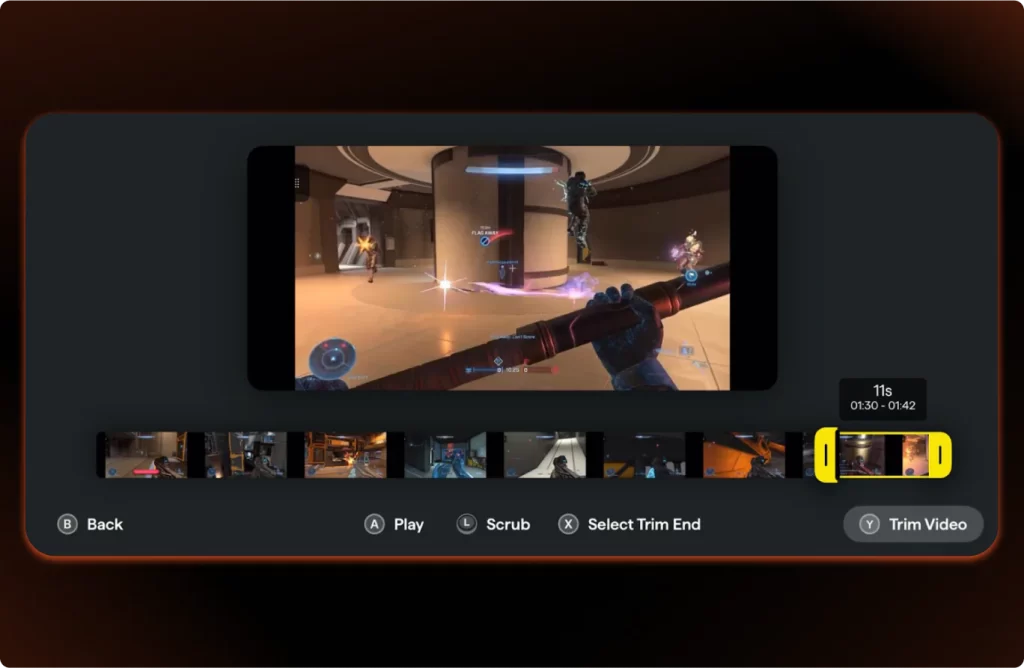
I also like that the companion app is clean and easy to navigate, making it simple to jump into games or adjust settings. However, buyers should be aware that the Backbone+ subscription (£3.99 a month) isn’t needed to play games, but the app locks some cool features (like the unified game hub) behind the paywall after your trial ends.
A major selling point and one of the upgrades over the original Backbone is its Bluetooth feature, which allows seamless connection to various devices, including PCs and tablets. It also supports cloud gaming services like Xbox Cloud Gaming, enhancing its versatility.
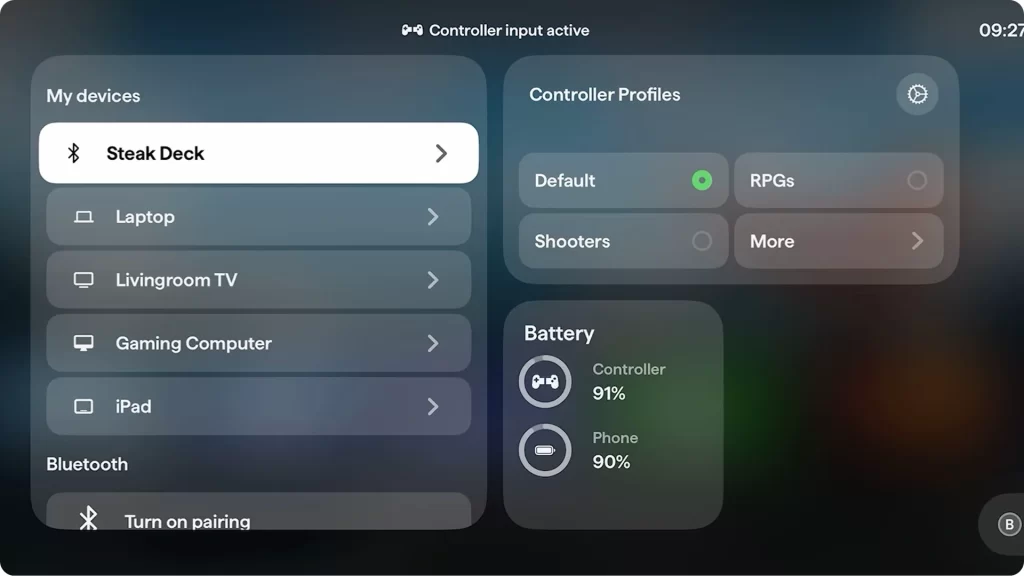
Battery life hasn’t been an issue at all since it draws minimal power from the phone, and the pass-through charging is a great touch. The original Backbone only worked when physically plugged into your phone. This has been upgraded on the Pro model, which now features a built-in battery with up to 40 hours of wireless battery life, so I never had to worry about running out of power in the middle of a gaming session.
Overall, the Backbone Pro is a sleek, comfortable, and highly functional controller that makes gaming on your phone genuinely enjoyable. I’d happily recommend it to anyone wanting a console-like experience on the go.
Find out more about the Backbone Pro on the Backbone website.
Day 6 – Nanoleaf LED Light Therapy Face Mask

The Nanoleaf LED Light Therapy Face Mask is a fascinating blend of skincare technology and aesthetic innovation. After giving it a spin for a few weeks, I’m excited to share my experience.
Design and Comfort
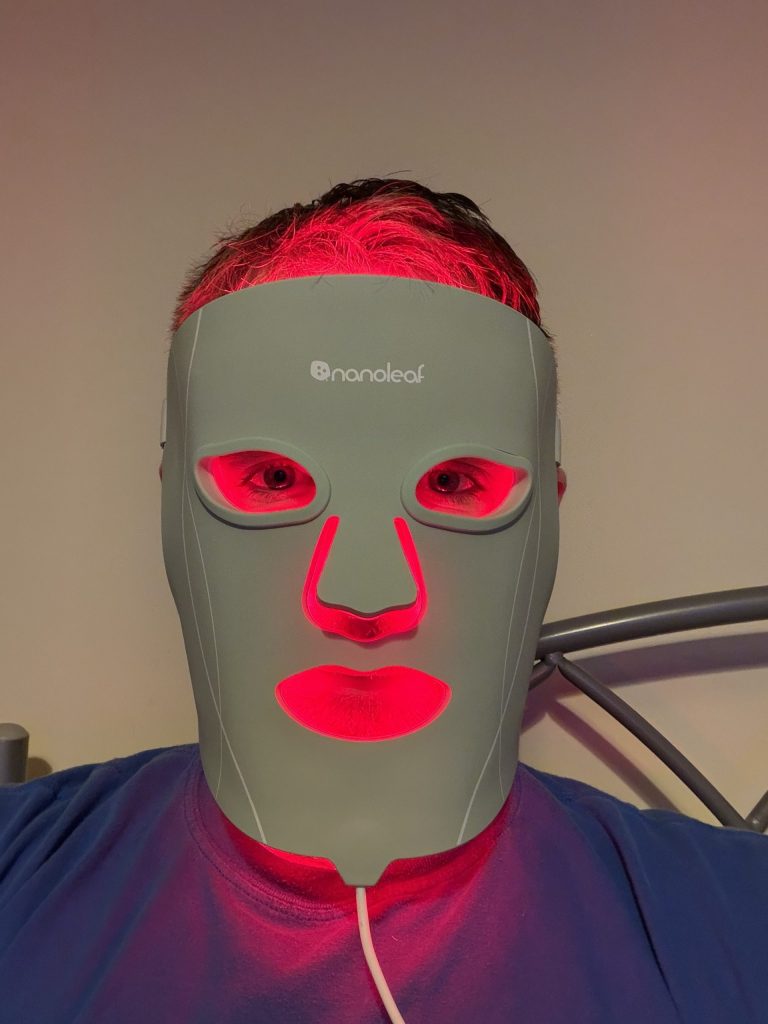
First off, the design is sleek and futuristic. The mask fits comfortably on the face, with adjustable straps and a pair of eye socket protectors, making it easy to wear for extended periods. The soft medical-grade silicone interior feels soothing against the skin, it’s surprisingly lightweight, and the LED lights are bright but not blinding.
Performance
In terms of functionality, the mask features 7 treatment modes, each providing a different skincare treatment such as anti-ageing, acne treatment, and skin rejuvenation. I loved how the LED lights felt warm and inviting without being too harsh. After a few sessions, I noticed a definite improvement in my skin texture and a reduction in redness. I can’t wait to continue using the mask in the new year to knock some years off my skin.
User Experience

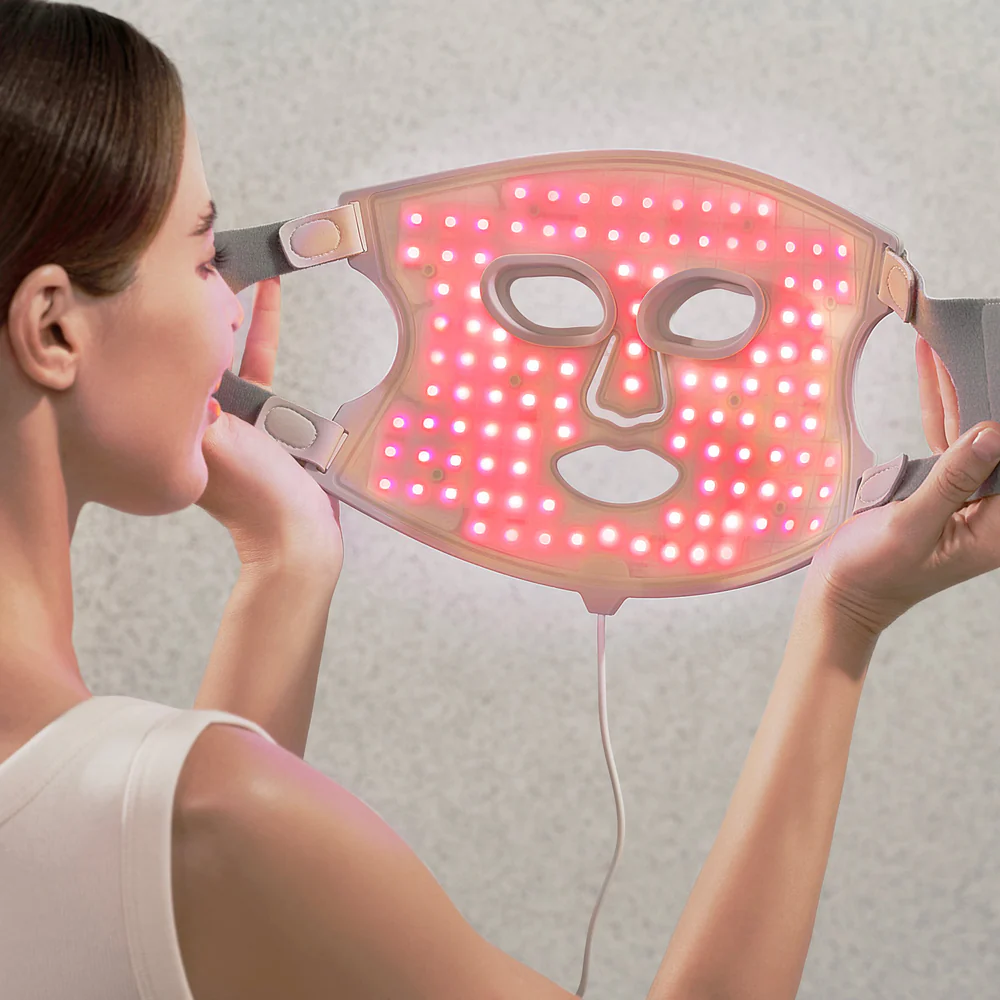
The included portable controller is simple to use and lets you customise the session length, LED brightness, and treatment mode. This straightforward approach makes the whole experience easy. Just put on the mask, choose your preferred setting, and relax – perfect for winding down after a long day.
Battery Life
Battery life is good, allowing about 8 ten-minute therapy sessions, and the device fully recharges in roughly 3.5 hours.
Overall Thoughts

The Nanoleaf LED Light Therapy Face Mask won’t break the bank and provides a mini spa session without leaving the couch. It’s easy to use, covers most of the face well, and gives gentle, noticeable improvements over time if used regularly.
If you want to learn more about light therapy, visit the Nanoleaf website.
Day 7 – SteelSteeries Arctis GameBuds for Xbox
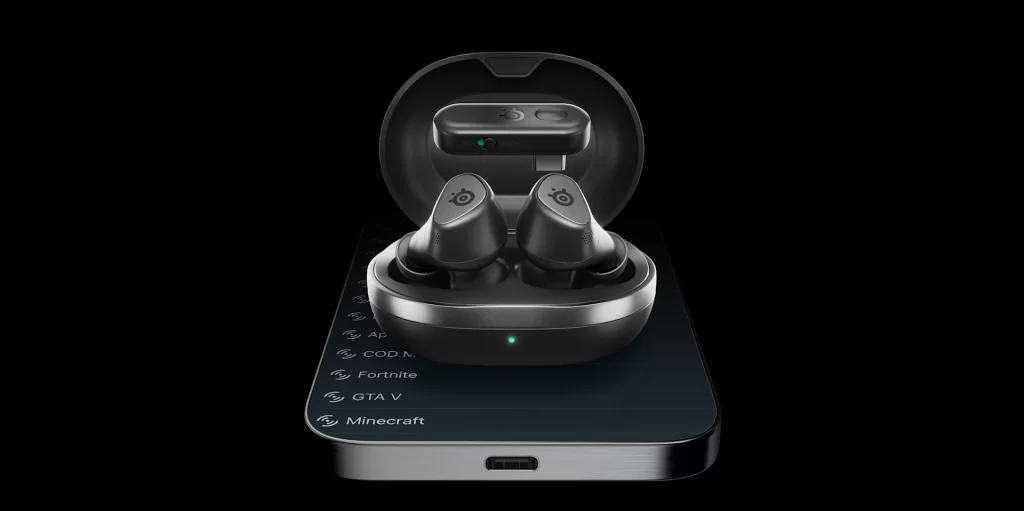
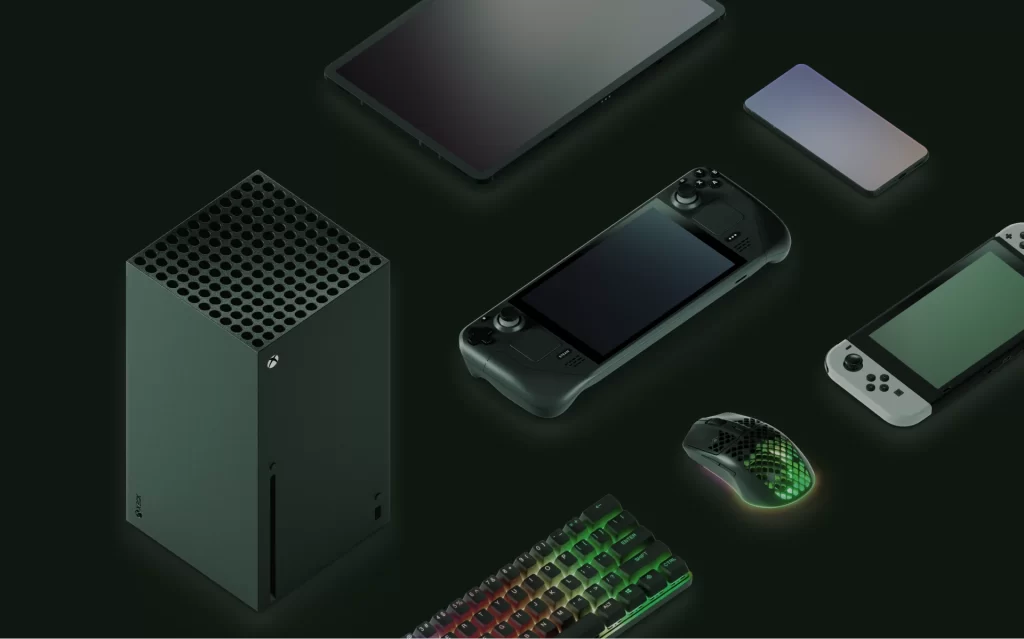
The SteelSeries Arctis GameBuds for Xbox really impress with their sleek design and solid performance. They have a lightweight feel that makes them comfortable to wear for extended gaming sessions.
Sound Quality
The audio quality is crisp and clear, providing an immersive experience that lets you pick up subtle in-game details. Whether you’re hearing footsteps approaching or the sound of someone picking Candleberries in the cold snap event in Arc Raiders, the sound stage on these buds is impressive.
You also get 100+ audio presets and EQ options through the SteelSeries app so that you can tailor it to your favourite games. SteelSeries is constantly adding new games to the audio presets, so you’ll likely find one that matches your favourite game.

The GameBuds support ANC, which is decent for blocking out most background noises, and though it’s not at the same level as more expensive earbuds, it’s certainly more than enough to immerse yourself in your game without distractions. Transparently mode is also available, which is great if you want to be more aware of your surroundings and not completely immersed in your game.
Furthermore, the GameBuds support spatial audio on Xbox and PS5, and can be further customised using the GG Sonar software on PC.
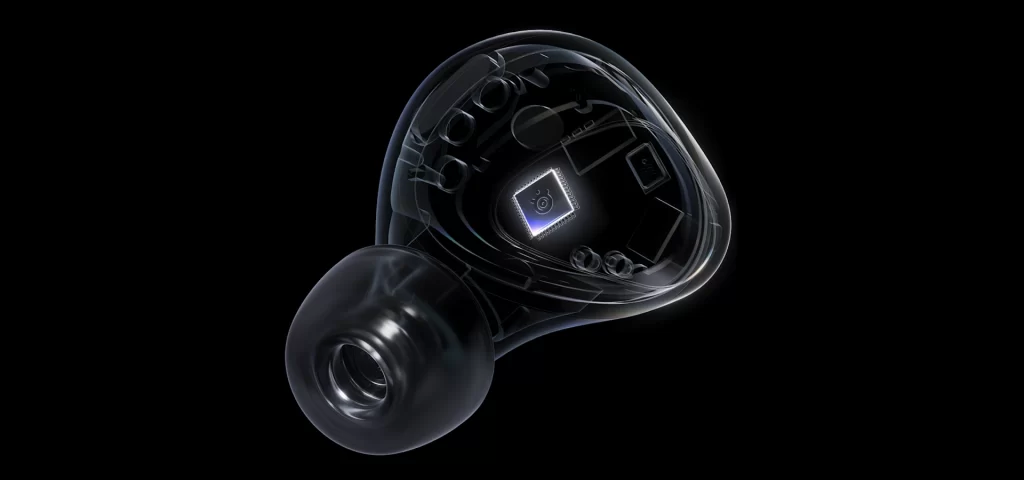
The built-in microphone sounds fine for a quick party chat, but my friends do say they can’t hear me as clearly as when I’m using a boom mic. If you are a team leader in competitive ranked matches, you might want to stick to a boom mic.
Comfort and Fit
In terms of comfort, the silicone ear tips come in three different sizes, ensuring a snug fit for most users. At only 5.3 grams each, the GameBuds are light, so they don’t cause discomfort, and I was able to wear them for hours without any ear fatigue.
Battery Life
Battery life is impressive. You can expect roughly 10 hours on a single charge, plus another 30 hours from the case. When you are running low, thanks to fast charging capabilities, you’ll get about 3 hours of play time in 15 minutes. You can also charge the GameBuds using the included USB-C cable or with a wireless charger thanks to Qi wireless charging support.
Connectivity
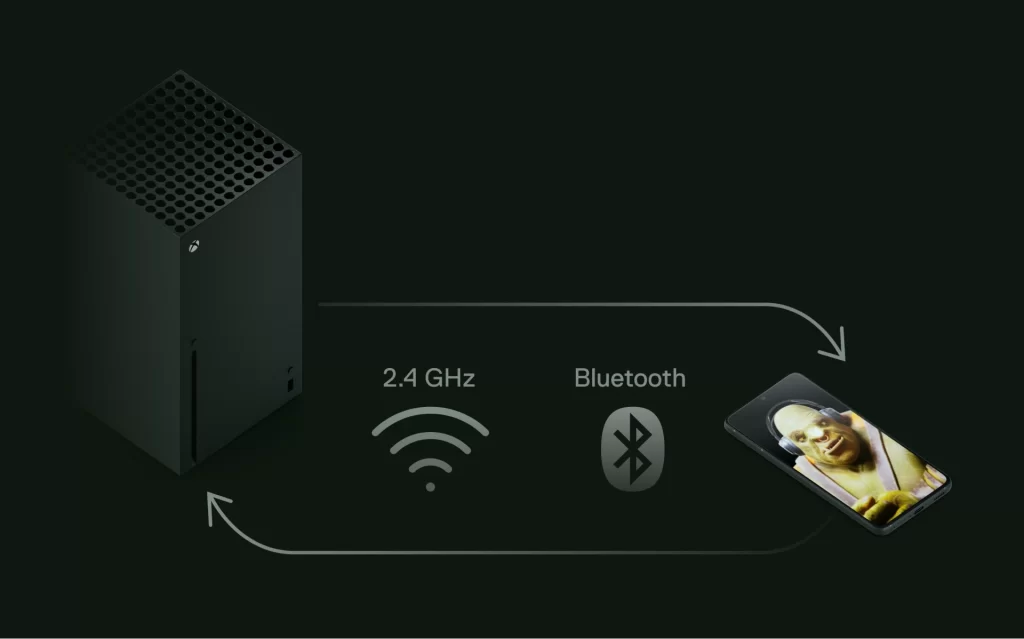
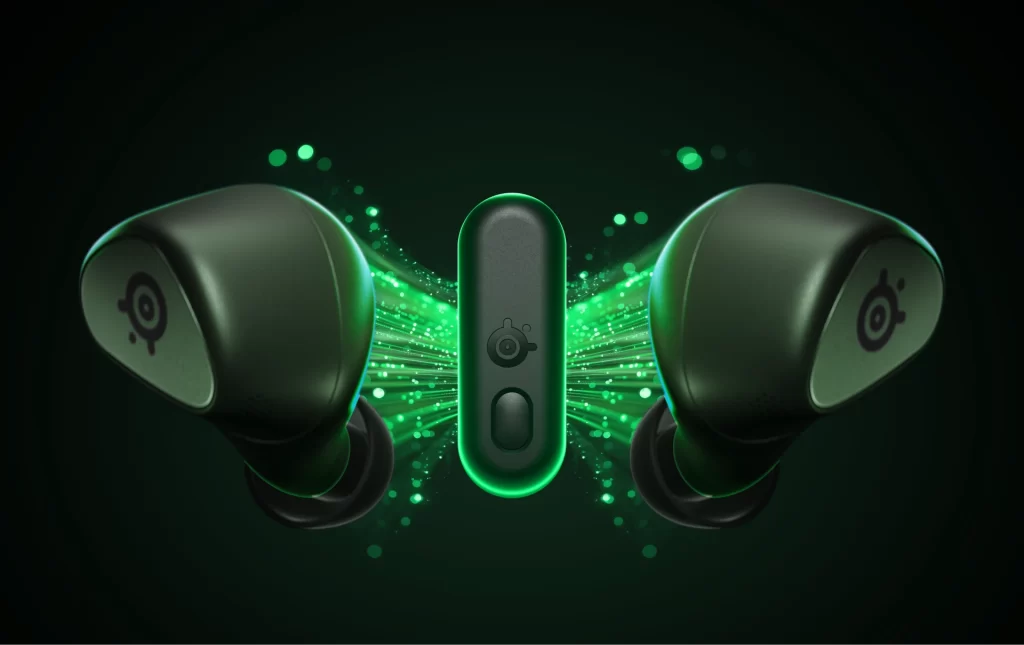
Connecting to the Xbox is a breeze. Using the included low-latency 2.4 GHz dongle, there’s virtually no lag, which is perfect for competitive gaming where timing is everything. It’s worth noting that the game buds support dual connections but only one audio source at a time, requiring you to switch between them with a triple-tap or via the app for a different audio experience.
Another thing to be aware of is that the Xbox version of these GameBuds works with PS5 and pretty much every other console or device, whereas the PlayStation version doesn’t work with Xbox, so that might be worth considering.
Final Thoughts
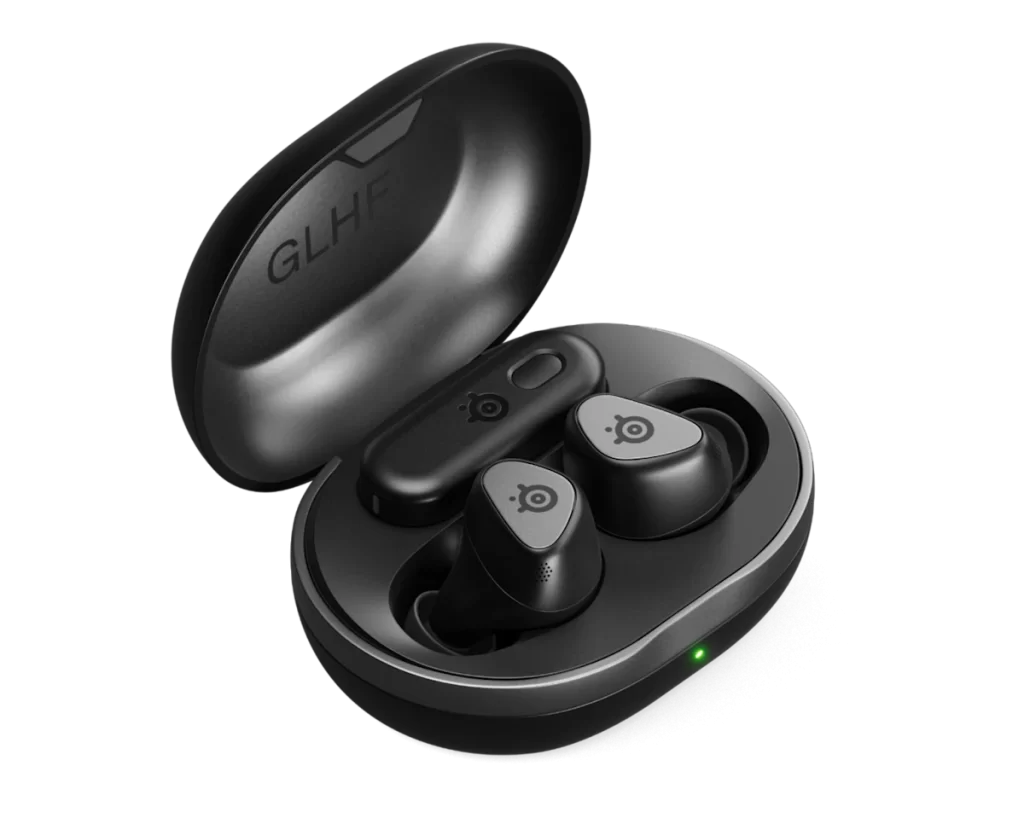
The SteelSeries Arctis GameBuds blend quality and convenience beautifully, making them a worthy choice for any Xbox gamer. Whether you’re casually playing or diving into ranked matches, they hold up well and enhance your experience. If you’re in the market for a reliable, stylish, and comfortable pair of buds for your Xbox gaming, the SteelSeries Arctis GameBuds are definitely worth checking out!
You can get the SteelSeries Arctis GameBuds for Xbox on the SteelSeries website. They’re currently on offer for £99.99.
Day 8 – CHERRY XTRFY MX 10.1 Wireless Keyboard
The CHERRY XTRFY MX 10.1 Wireless keyboard is a sleek, modern keyboard that blends performance and style. It’s designed for both casual users and gamers, offering a wireless experience without sacrificing responsiveness.
Build and Design
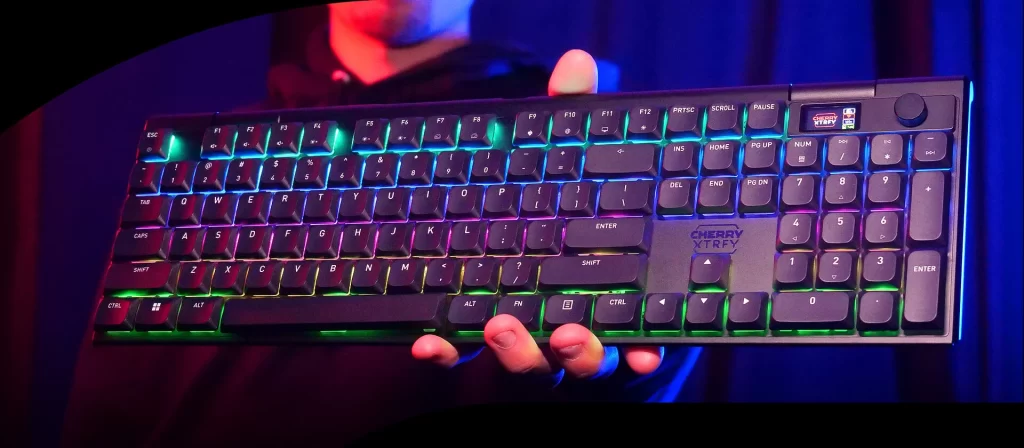
First off, the design. It’s super slim at just 27mm thick, with a sturdy aluminium frame that feels solid and well built without being too heavy (around 1.1kg). It comes in black or white, and the full-size layout means you get a numpad and all the keys you’re used to. The keycaps are made from durable PBT (Polybutylene Terephthalate), which should ensure they remain durable and retain their shine over time.

A cool bonus is the rotary knob and small LCD screen in the corner of the keyboard. Twist it to adjust the RGB lighting, access media controls and switch between connection modes. The LCD screen also gives you information like battery level, which is helpful. You can even add your own image by using the CHERRY UTILITY app. It was cool seeing the RRUK logo on the keyboard.
Typing Experience
Thanks to the CHERRY MX Low Profile 2.0 switches, the keyboard delivers a satisfying typing experience with good travel and a satisfying “thock”.
Connectivity and Battery
What really impressed me was the triple-mode connection options. You can use the included 2.4GHz dongle for low-latency (up to 4000Hz wireless polling rate), Bluetooth for up to three devices (easy switching for phone/laptop/desktop), or plug in via USB-C for wired mode (bumping to 8000Hz polling rate). Polling rate is how often your device sends data to your computer, so the higher the better, especially if you’re going to be gaming.

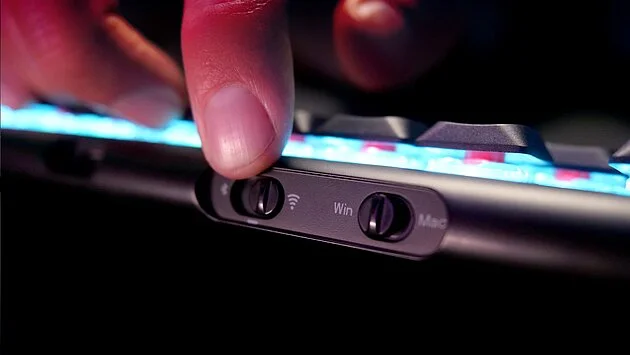
The 4000mAh battery lasts ages—up to 900 hours on Bluetooth with the RGB lights off or about 50 hours on 2.4GHz with all the bells and whistles.
Software & Customisation
CHERRY’s UTILITY software lets you customise RGB lighting, remap keys, and adjust performance settings. While it’s not as feature-rich as some gaming keyboards, it covers all the essentials and is user-friendly. The software is intuitive, so even if you’re not tech-savvy, you’ll find it easy to tweak settings to your liking.
Final Thoughts
The CHERRY XTRFY MX 10.1 Wireless is a fantastic keyboard for casual users who want a blend of style, performance, and convenience. It’s well-built, comfortable, and packed with features that make typing and gaming a pleasure. If you’re willing to invest in a high-quality wireless keyboard, this one is a strong contender.
Visit the CHERRY website to find out more about their range of mice and keyboards.
Day 9 – Poly Voyager Surround 80C Headphones
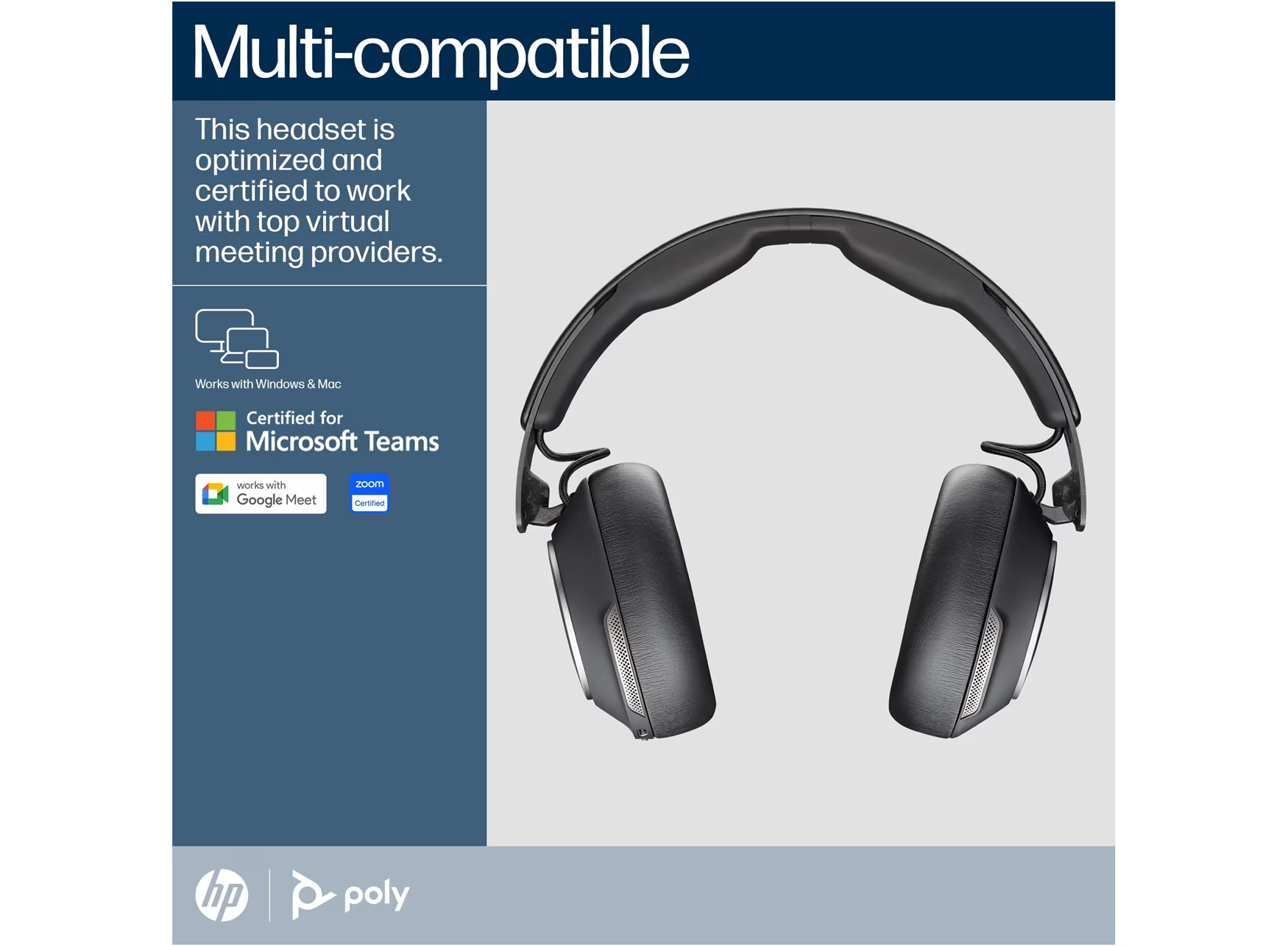
I recently tried the Poly Voyager Surround 80C Headphones, and I’m genuinely impressed. They’re certified for Microsoft Teams, Zoom, and Google Meet, making them great for working from home or just listening to music.
Comfort and Design
The design looks sleek and professional. The padded ear cups are comfortable, even after hours of use. The adjustable headband fits well and doesn’t feel too tight, which is great for long calls.
Sound Quality
The sound quality really stands out. The Adpative ANC blocks background noise well, so you can focus on calls or music. Transparency mode helps you stay aware of your surroundings, which is useful in the office. The audio is clear, voices sound natural, and my colleagues said they could hear me without any echoes or static.

The hidden microphone is a big plus. There’s no boom arm, but it uses six microphones to pick up your voice. The call quality is excellent. Even if your kids or pets are noisy in the background, you’ll still sound like you’re in a quiet studio. We’ve all had those moments!
Connectivity and Battery Life
You can connect with Bluetooth or the included USB-C dongle, and both options work reliably. Switching between your laptop and phone is easy. The battery lasts up to 24 hours, so I got through a full workday on one charge. It also tells you when the battery is low. Charging is quick, so you can top it up between meetings.
Usability Features
Some standout features include smart sensors that pause music when you take off the headphones and easy-to-use touch controls on the ear cups. These make handling calls and music simple. Other helpful features are a dedicated mute button, status tones, and a companion app for adjusting settings.
Final Thoughts
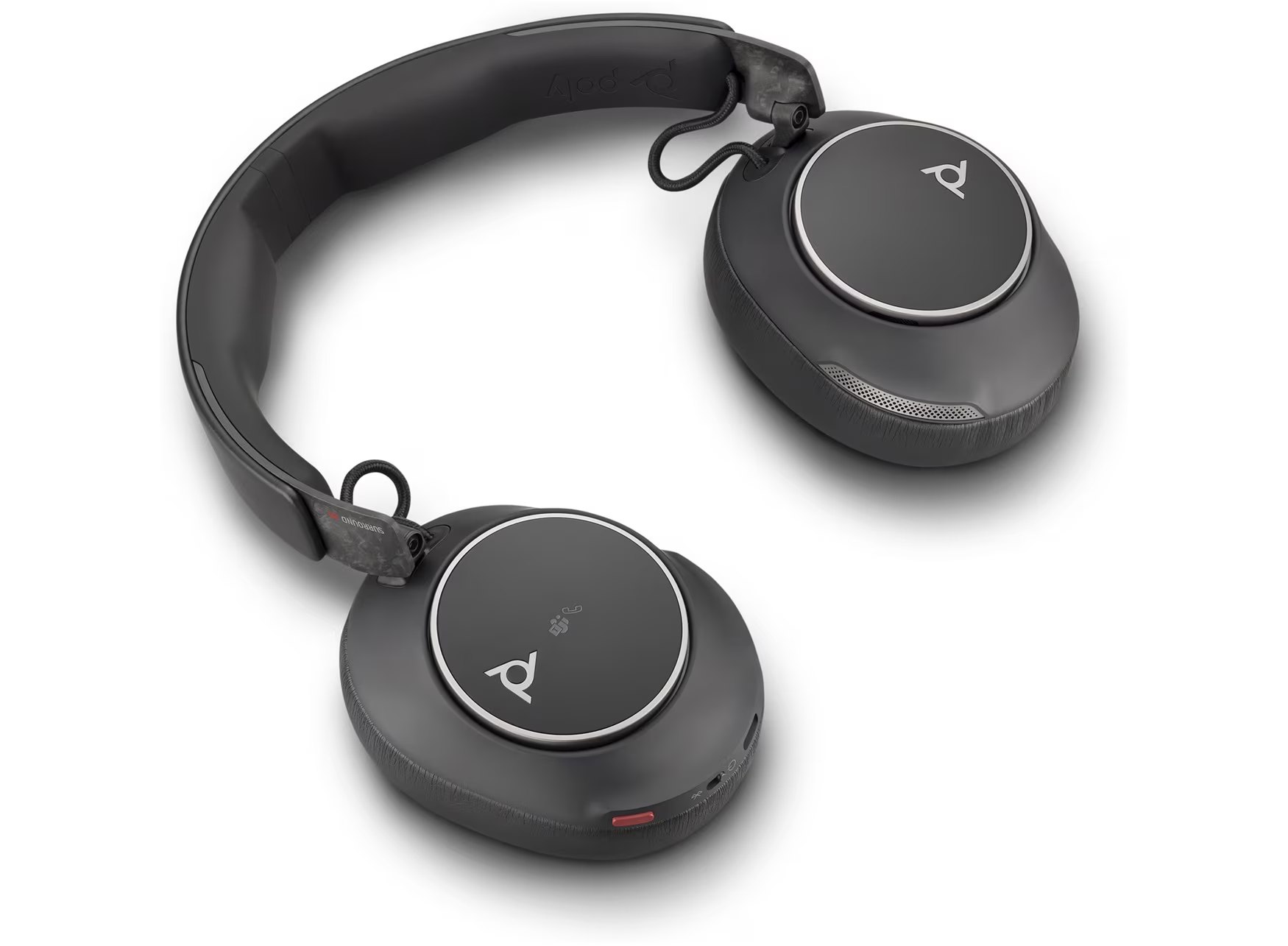
If you’re in the market for a reliable headset that’s good for work and play, I highly recommend checking these out! If you are a hybrid worker who spends half your day on Teams/Zoom and the other half trying to focus in a noisy office or coffee shop, these are great.
If you’re in the market for a hybrid pair of headphones, take a look here.
Day 10 – CHERRY STREAM MOUSE ULTIMATE
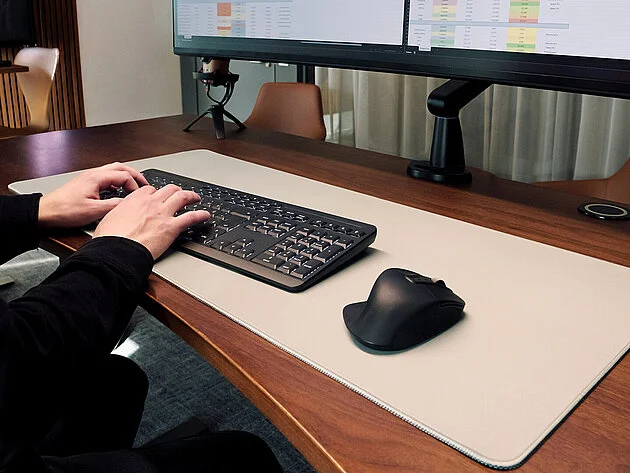
The CHERRY STREAM MOUSE ULTIMATE is an elegant and practical mouse that stands out for its comfort, build quality, and silent operation.
Design and Comfort
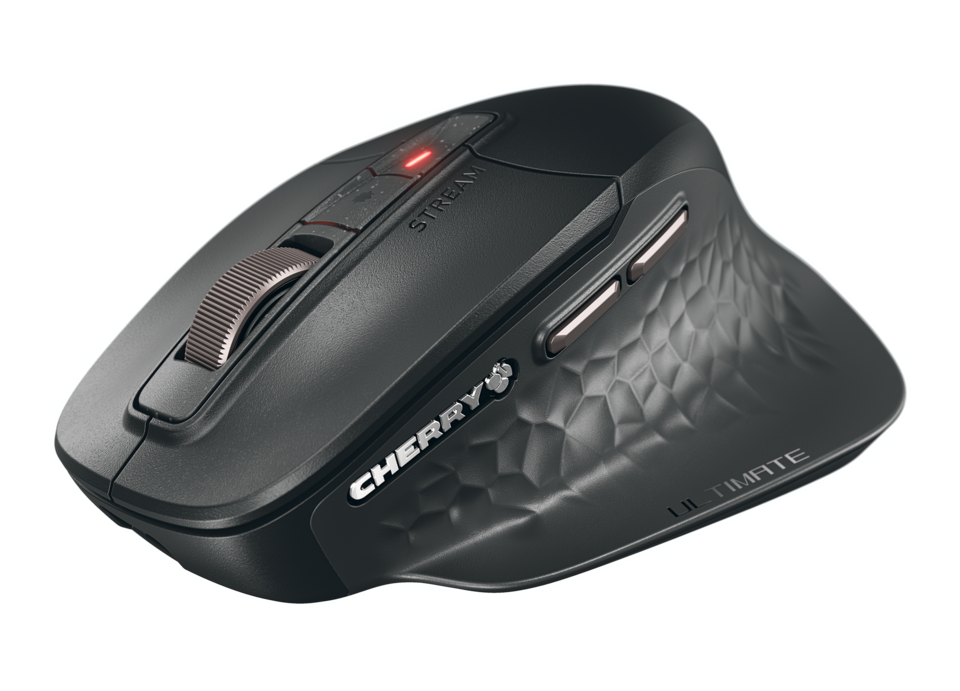
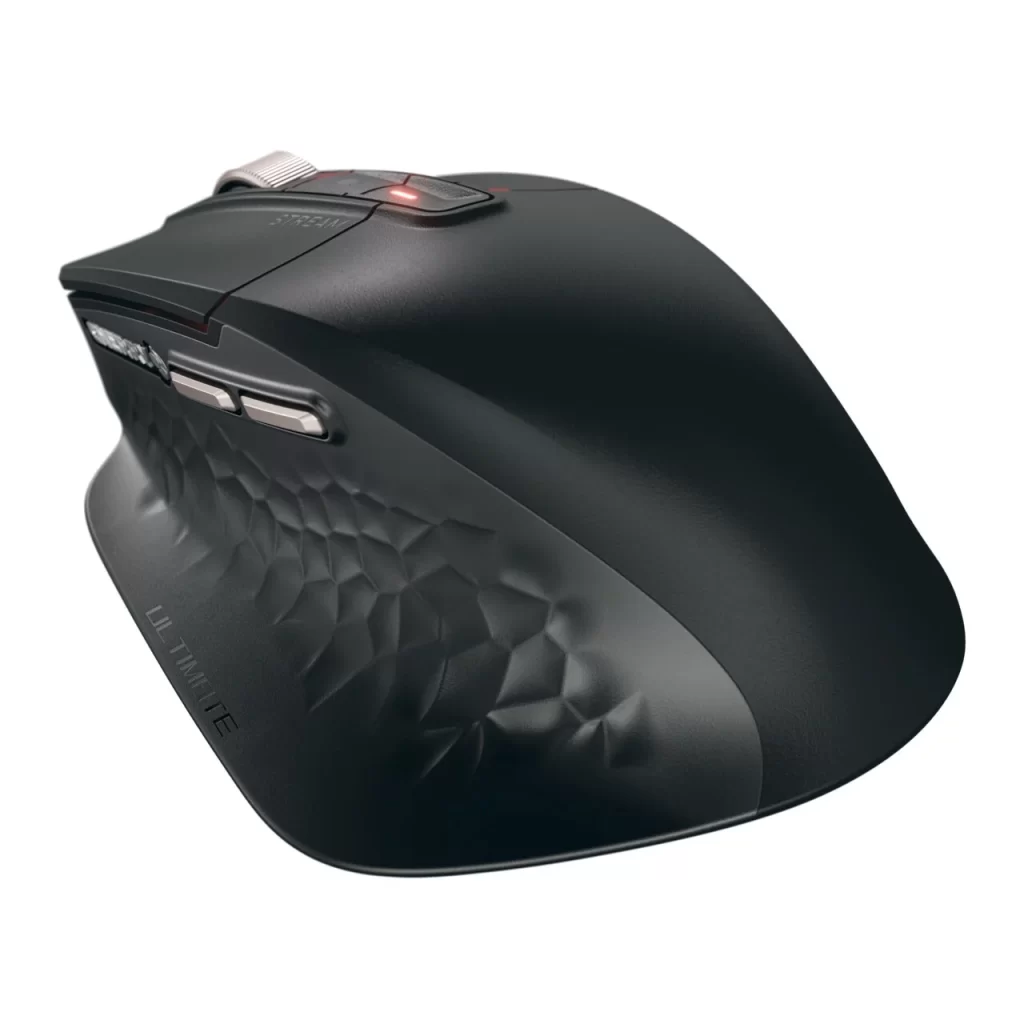
The mouse has a slim, low-profile design with a modern 3D Voronoi pattern and a soft, matte surface that feels pleasant in the hand. It is lightweight, which makes it easy to move around, and the slightly curved shape provides decent support for everyday use without causing hand fatigue.
Performance, Connectivity and Features
Equipped with precise optical tracking, the CHERRY STREAM MOUSE ULTIMATE is smooth and accurate for standard office tasks as well as casual browsing. It features seven buttons, including two thumb buttons, offering convenient shortcuts. The buttons are extremely quiet, which is ideal for shared workspaces or late-night use.
The mouse also features CHERRY ProScroll: a Customisable scroll wheel with tactile, smooth, or fast scrolling options. The sensor on this multi-device mouse can be adjusted in 4 steps to 4,000 dpi, enabling precise cursor control. The mouse connects in three ways: via two Bluetooth 5.2 channels, a 2.4 GHz wireless dongle, and wired mode and can connect to four devices at once. The dongle also fits inside the mouse when it’s not being used, helpful if you’re prone to losing these things.
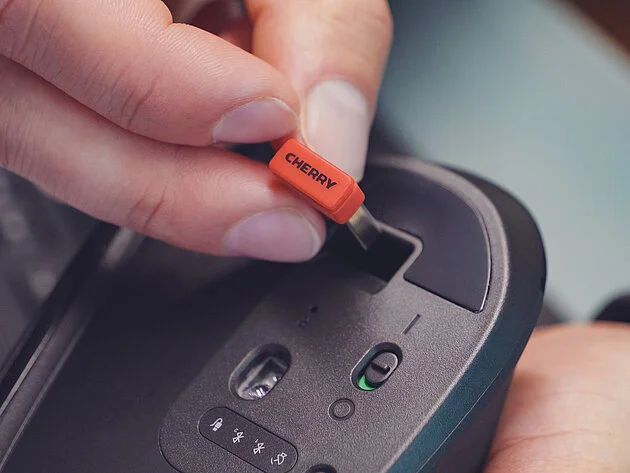
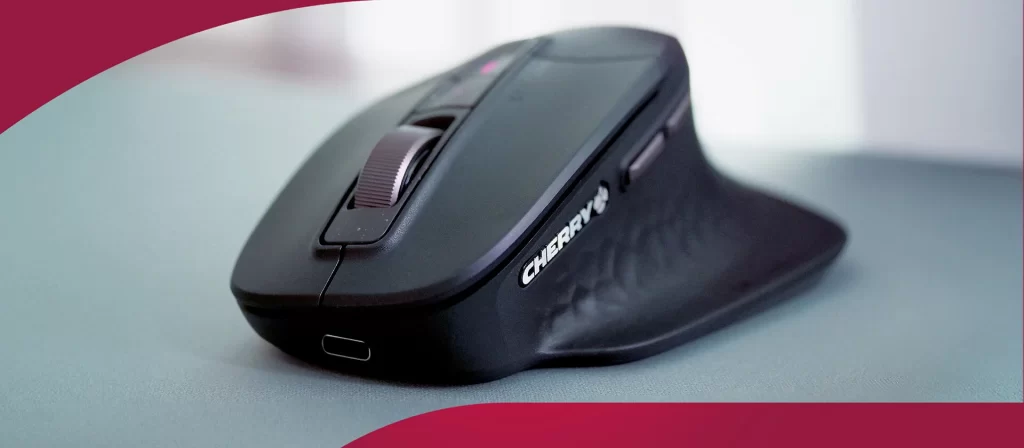
The CHERRY UTILITY software can be used to customise the button functions if you want. It is plug-and-play, so it works immediately across major operating systems.
Battery Life
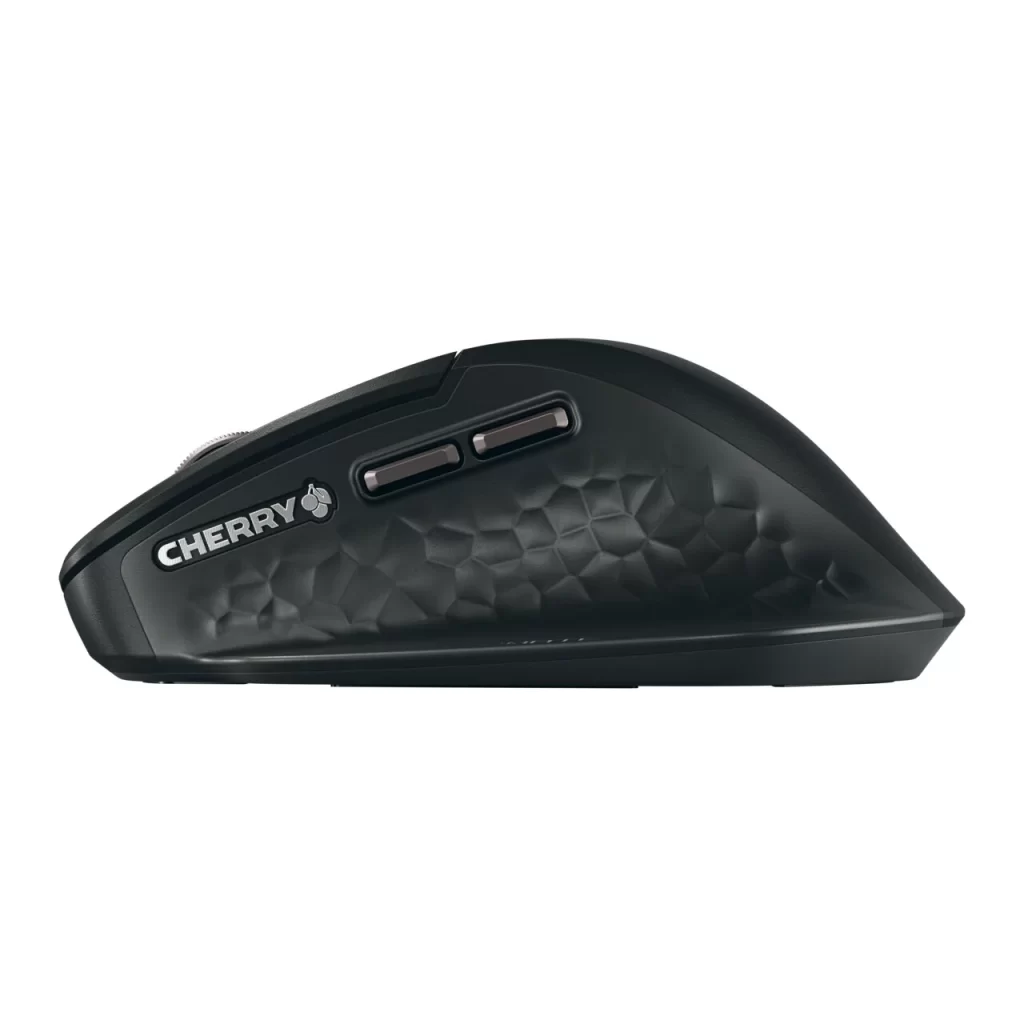
The battery lasts up to five months on a single charge, ensuring uninterrupted work. When the battery is low, you can simply recharge it with the included USB-A-to-USB-C cable and continue working without interruption. The mouse has status LEDs that show the current battery level, DPI settings, and scroll wheel presets.
Final thoughts
The CHERRY STREAM MOUSE ULTIMATE is an excellent choice for anyone seeking a reliable, silent, and comfortable mouse for work or study. It prioritises practicality and a pleasant user experience over advanced features, making it a worthy investment for quiet productivity.
Read more about the CHERRY STREAM MOUSE ULTIMATE on the CHERRY website.
Day 11 – HyperX Cloud MIX 2 Gaming Headset
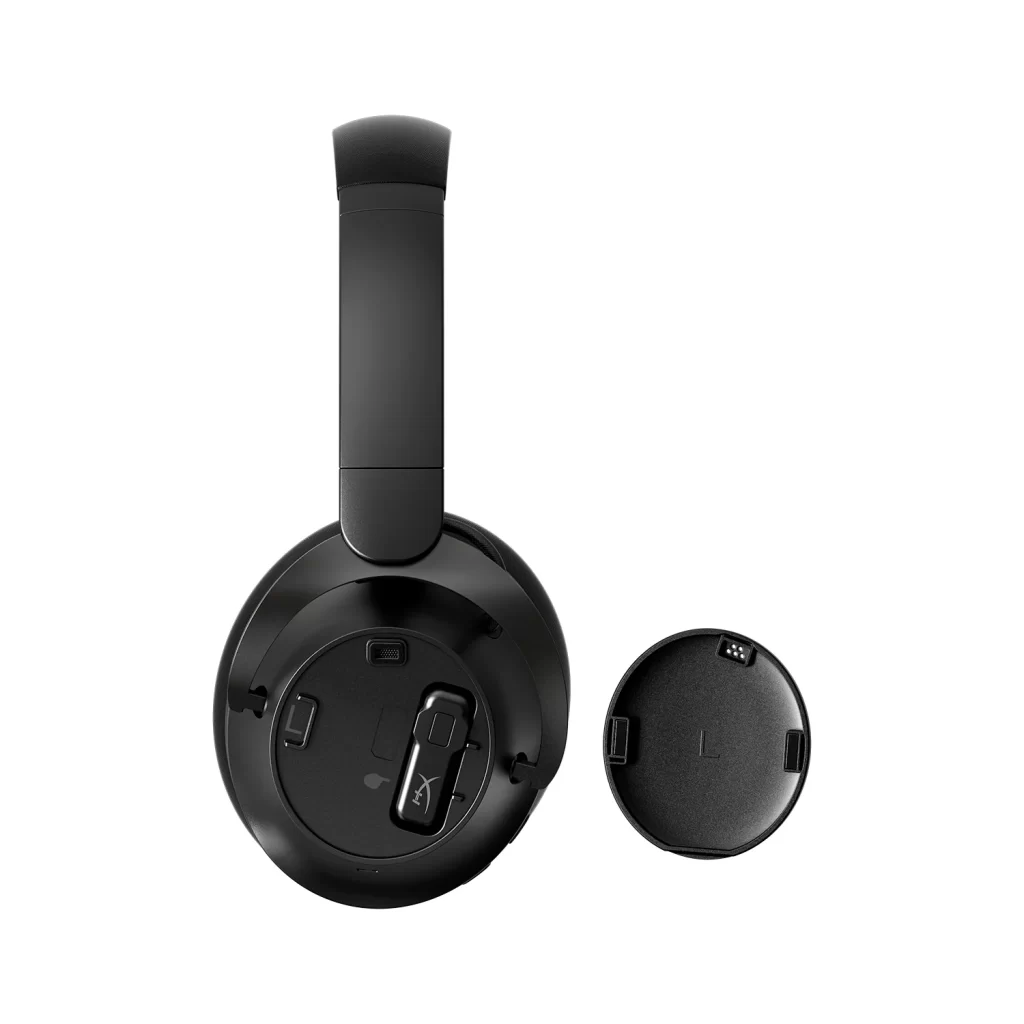
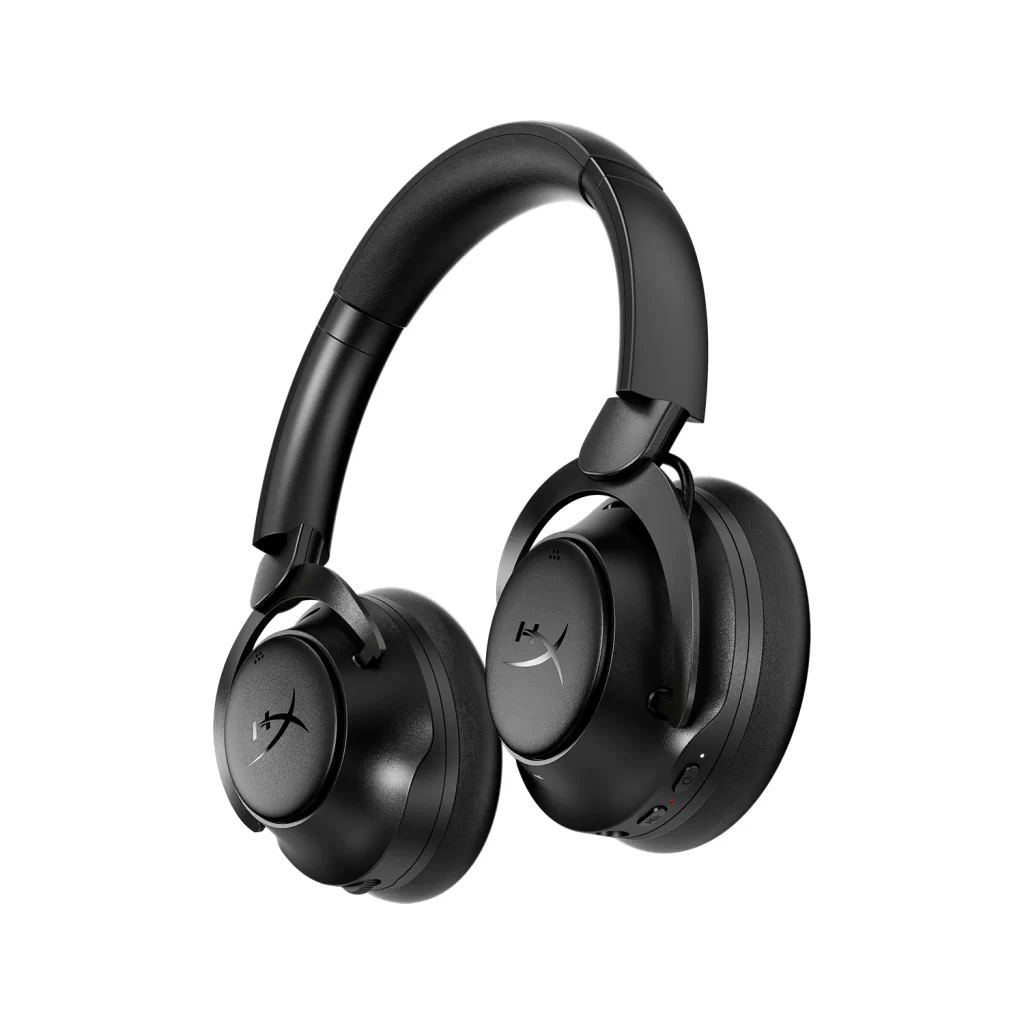
The HyperX Cloud MIX 2 gaming headset stands out for its versatility and great sound. After trying them myself, I can say they’ve quickly become my go-to for both gaming and everyday listening.
Design and Comfort
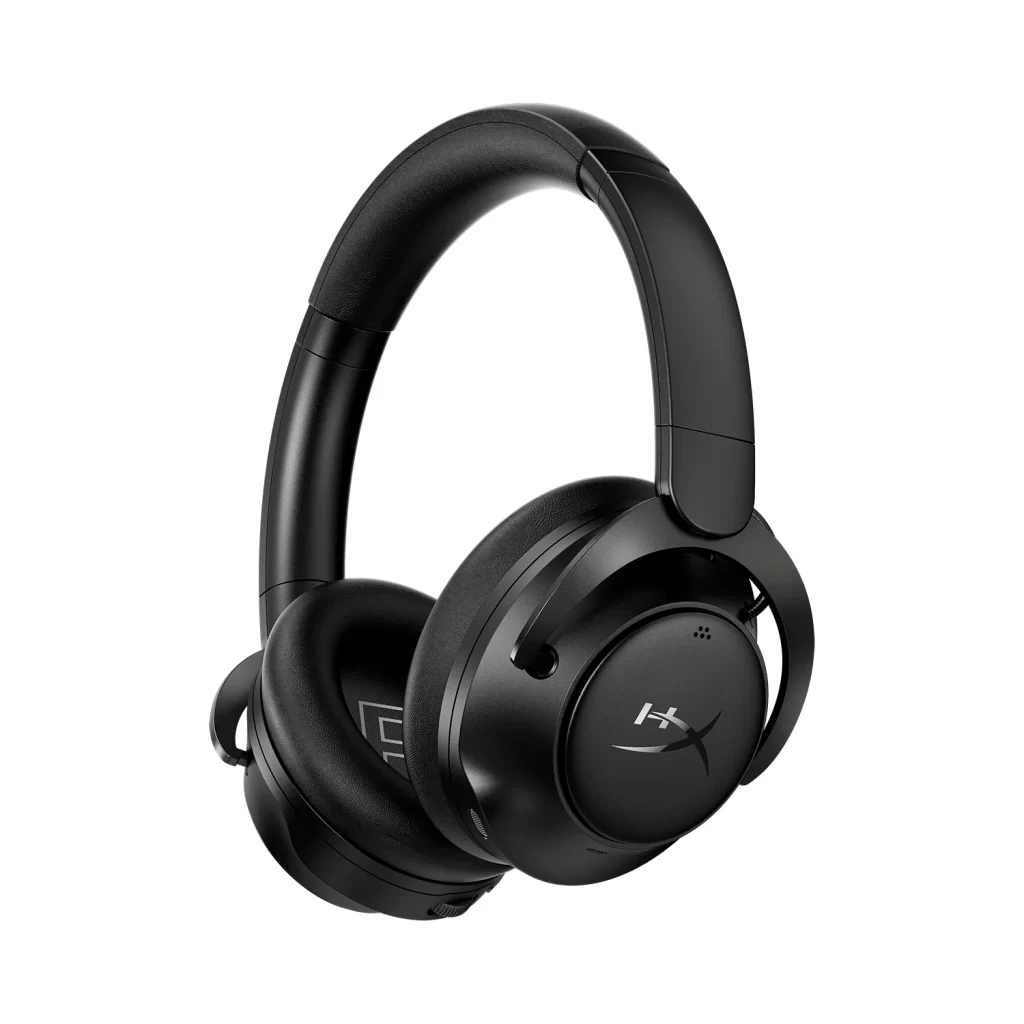
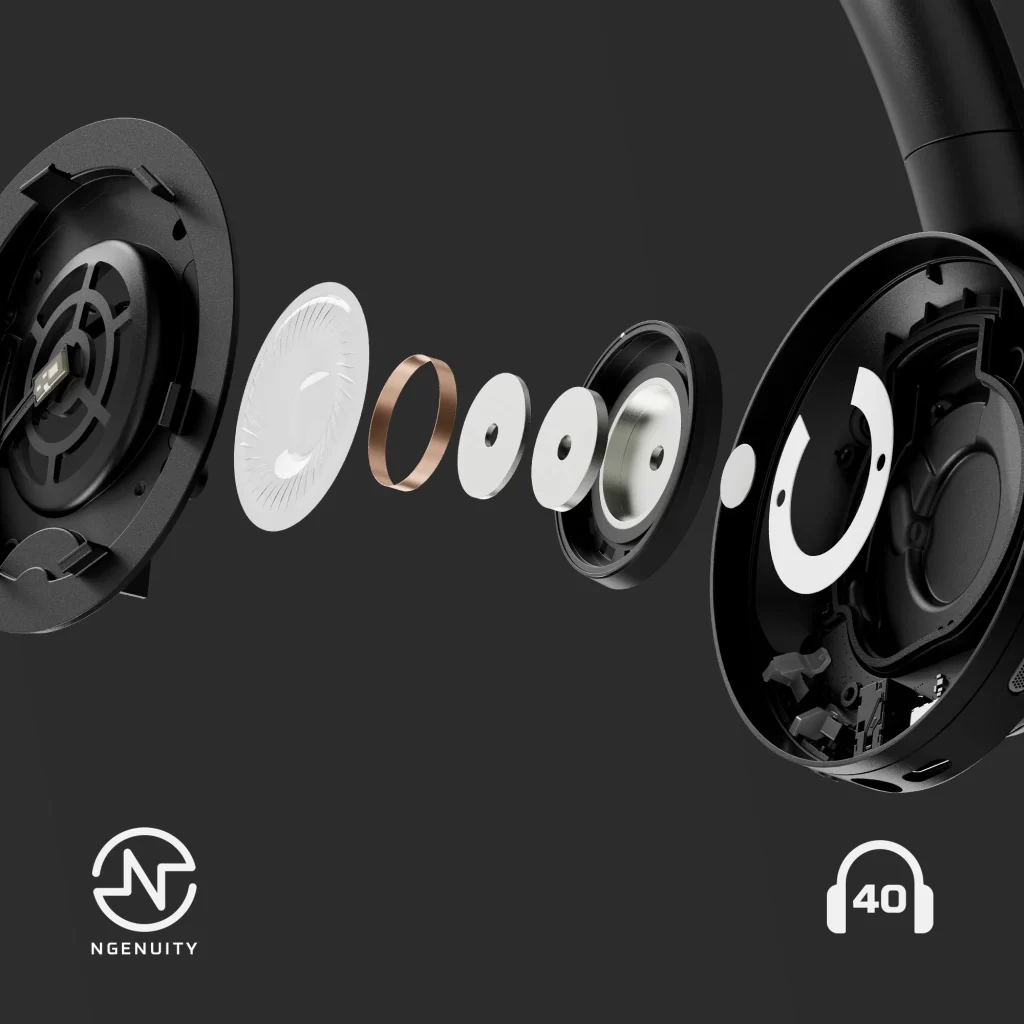
The Cloud MIX 2’s design is sleek and stylish. It’s a headset that doesn’t jump out as being a gaming headset which means you can wear it when out and about. The headband is well-padded, and the ear cups have a soft touch that feels great for long gaming sessions. I didn’t experience any ear fatigue, even after hours of use, thanks to the lightweight structure.
Sound Quality
The sound quality is impressive for the price. 40mm drivers deliver a rich, immersive experience. In games, I noticed a crispness in audio—gunfire, footsteps, and ambient sounds come through clearly, which can give you an edge in competitive play. Hybrid ANC helps block out most background noise, and there’s a transparency mode for when you need to hear the world. Listening to music is just as enjoyable, with decent bass and overall balanced sound.
The Cloud MIX 2 comes with built-in mics that use AI noise reduction. In my experience, they worked well for both game chats and phone calls.
Connectivity and Battery Life
The Cloud MIX 2 supports dual wireless modes: low-latency 2.4GHz via the included USB-C dongle (which smartly stores in the ear cup!) for gaming on PC, PS5, or even Steam Deck, and Bluetooth 5.3 LE for chilling with music or podcasts on your phone and switching between devices is seamless, too. A 3.5mm audio cable is included in the box if you’d prefer to plug it into a controller directly.
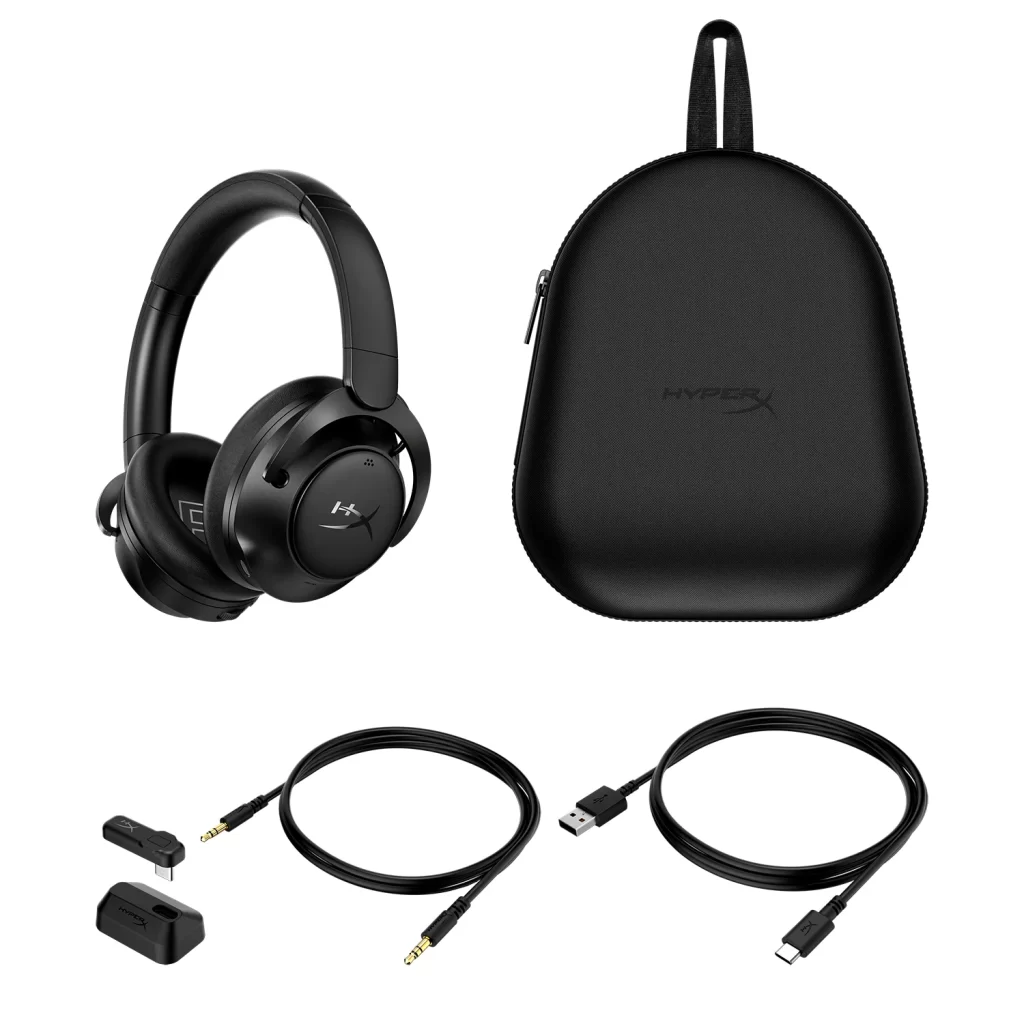
The battery life is excellent, lasting up to 110 hours with ANC turned off. You can get through several gaming sessions on one charge. If the battery runs out, it takes about 3 hours to fully recharge.
Software: Simple but Effective
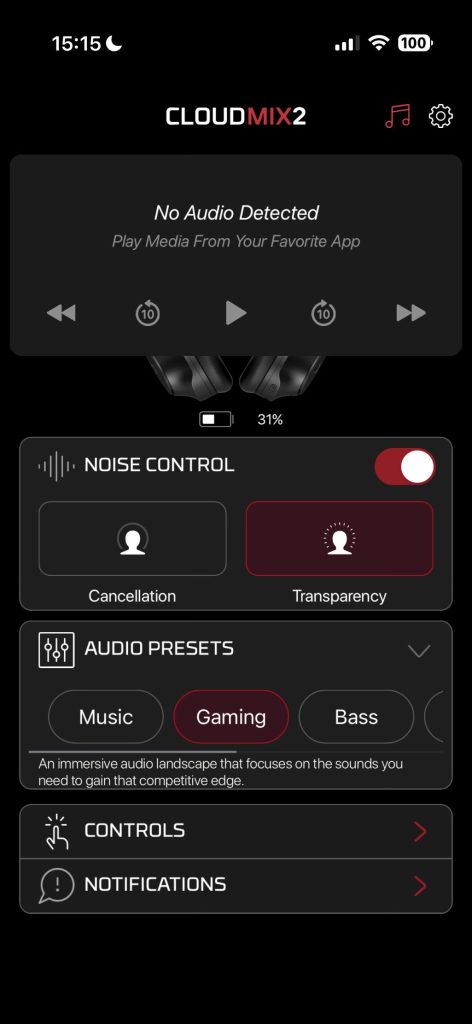
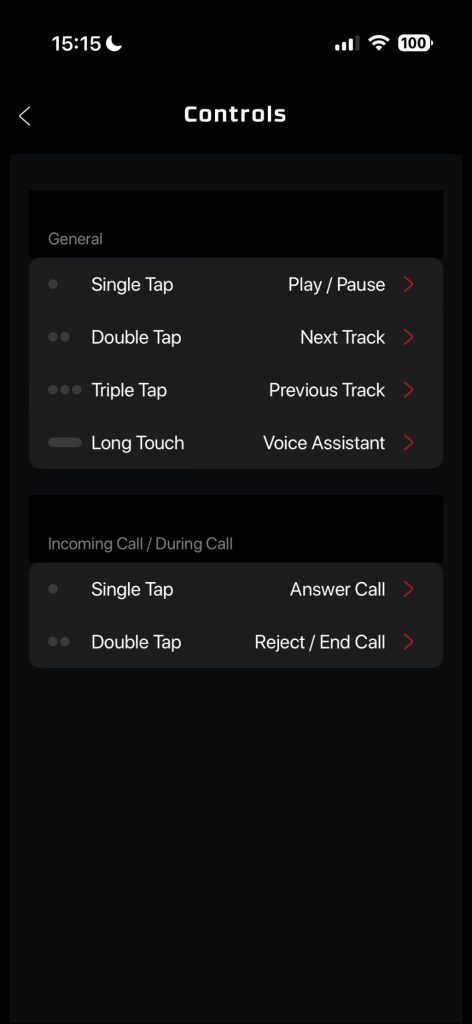
The HyperX NGENUITY software is quite basic. You can change the EQ, enable noise control, adjust control behaviours, and update firmware, but it’s not overwhelming. If you’re someone who loves diving into complex audio settings, you might find it a bit basic—but for most users, it’s more than enough.
Final Thoughts
Overall, the HyperX Cloud MIX 2 is a fantastic headset that balances quality, comfort, and versatility, making it a great pick for gamers and music fans alike. Whether you’re diving into your favourite game or just listening to your favourite songs and podcasts, this headset delivers a good experience without breaking the bank.
Pick up a pair of the HyperX Cloud MIX 2 headphones, currently on sale for £99.99
Day 12 – Nanoleaf 4D V2 is a Screen Mirror Camera + Lightstrip Kit
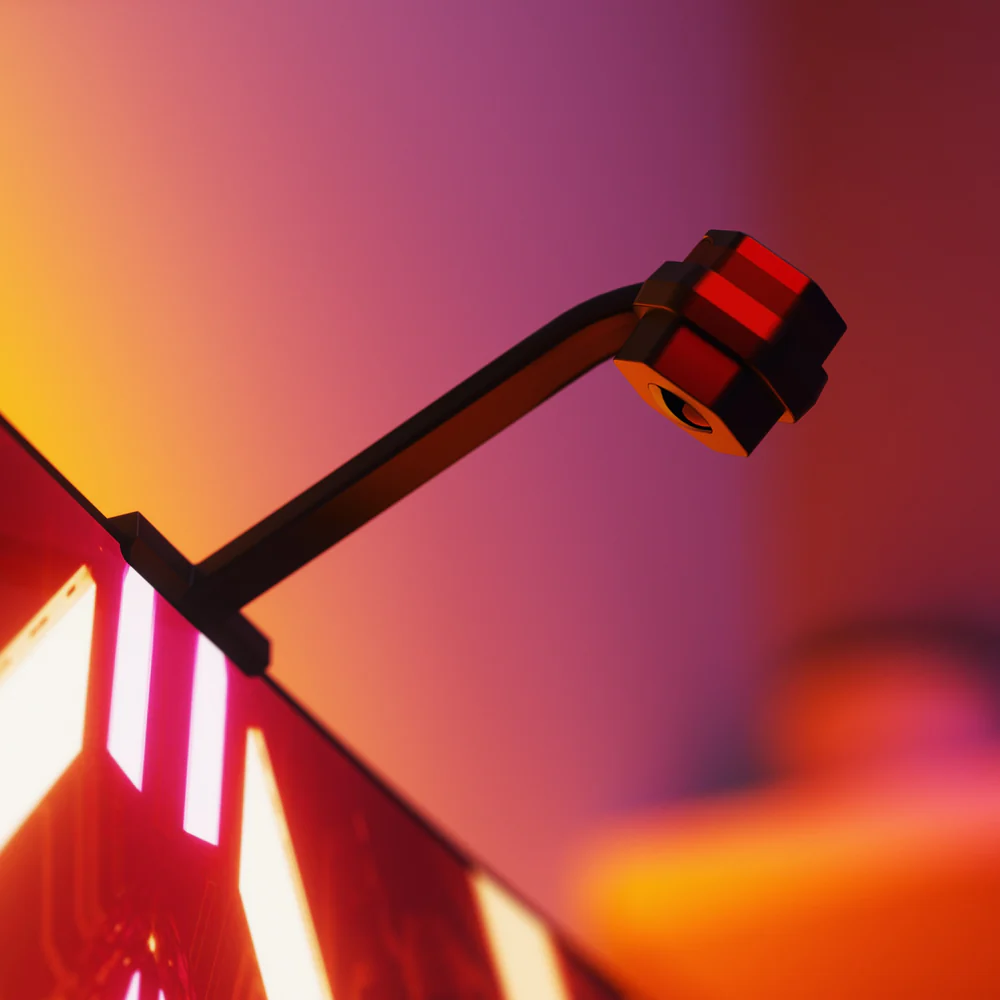
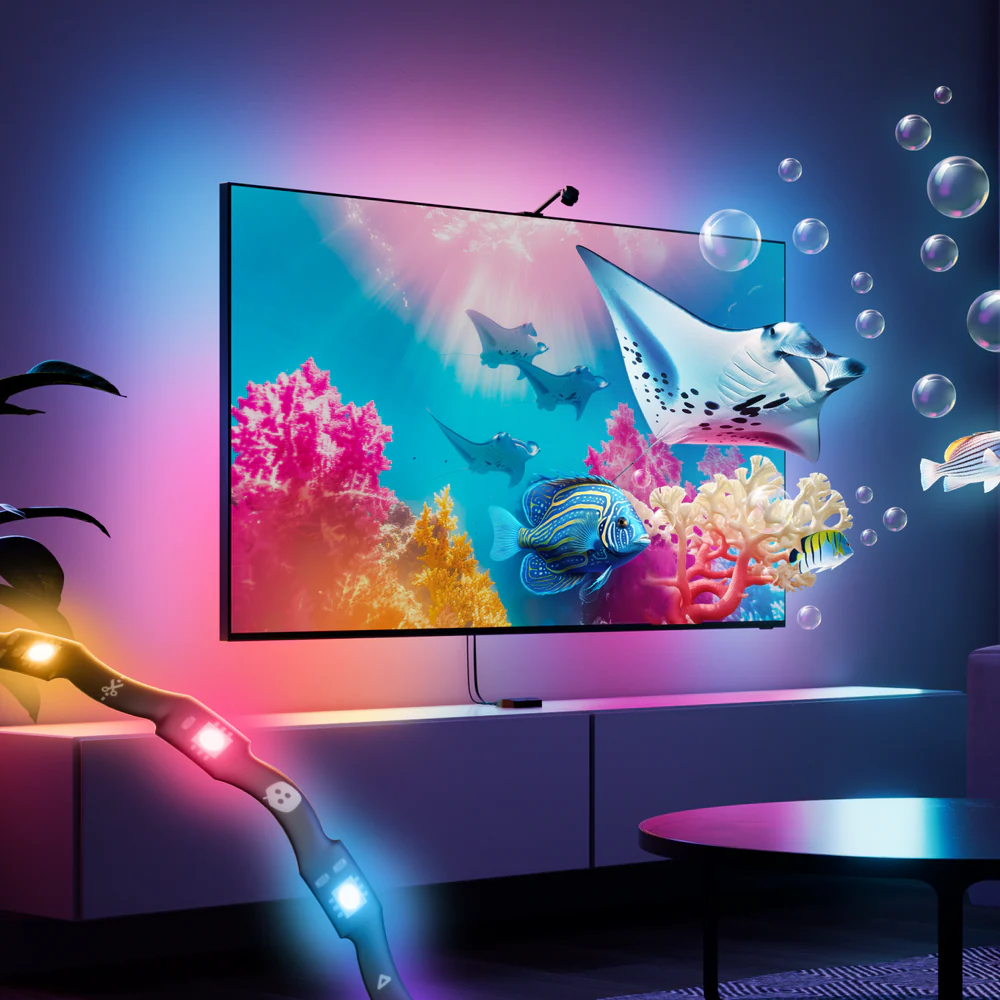
If you’re looking to add some serious wow factor to your movie nights or gaming sessions, the Nanoleaf 4D V2 is a solid pick. This kit includes a screen-mirror camera and a trimmable light strip that syncs the colours from your TV to create a vibrant, immersive glow around your screen. It’s like having your own mini cinema or gaming arena at home.
Simple Setup

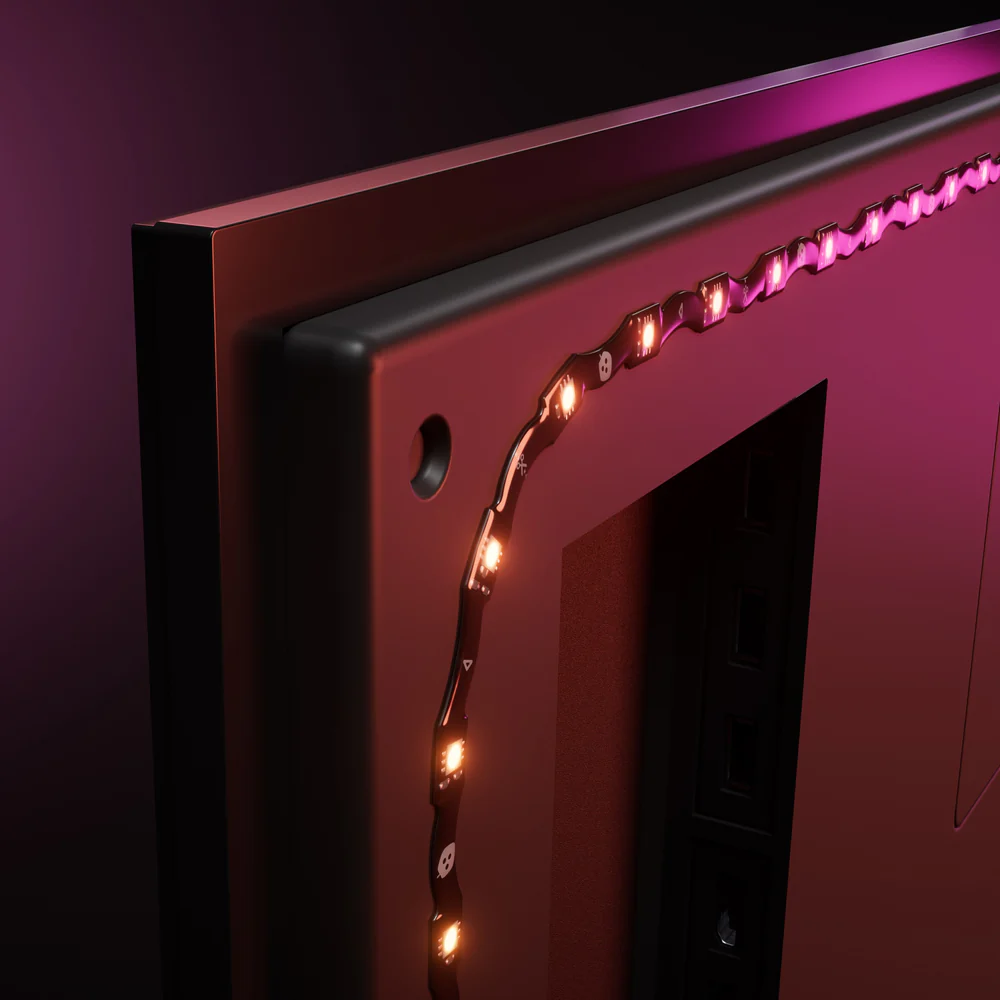
Setup is straightforward – you simply trim the light strip down to size, then stick it to the back of your TV. An upgrade over the previous Nanoleaf Lightstrip is that it can bend around the corners of your TV without the need for corner brackets, which is a huge win for anyone like me who hates DIY.
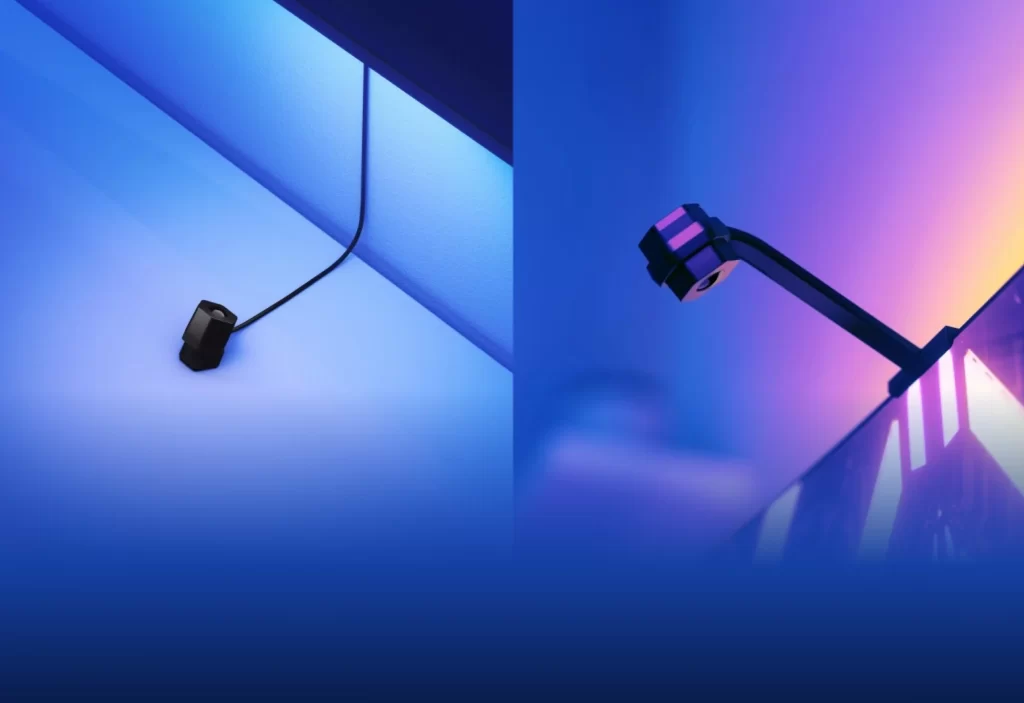
Next, place the camera on top (or bottom) of your TV, then use the Nanoleaf app to calibrate it. The camera comes with a little magnetic cap to cover the camera lens when you aren’t using it.
Awesome Immersion
Once it’s running, it’s legitimately awesome. Watching an explosion on screen and seeing your whole wall light up orange/red never gets old.
There are two main modes that you can use: cinematic and vivid.
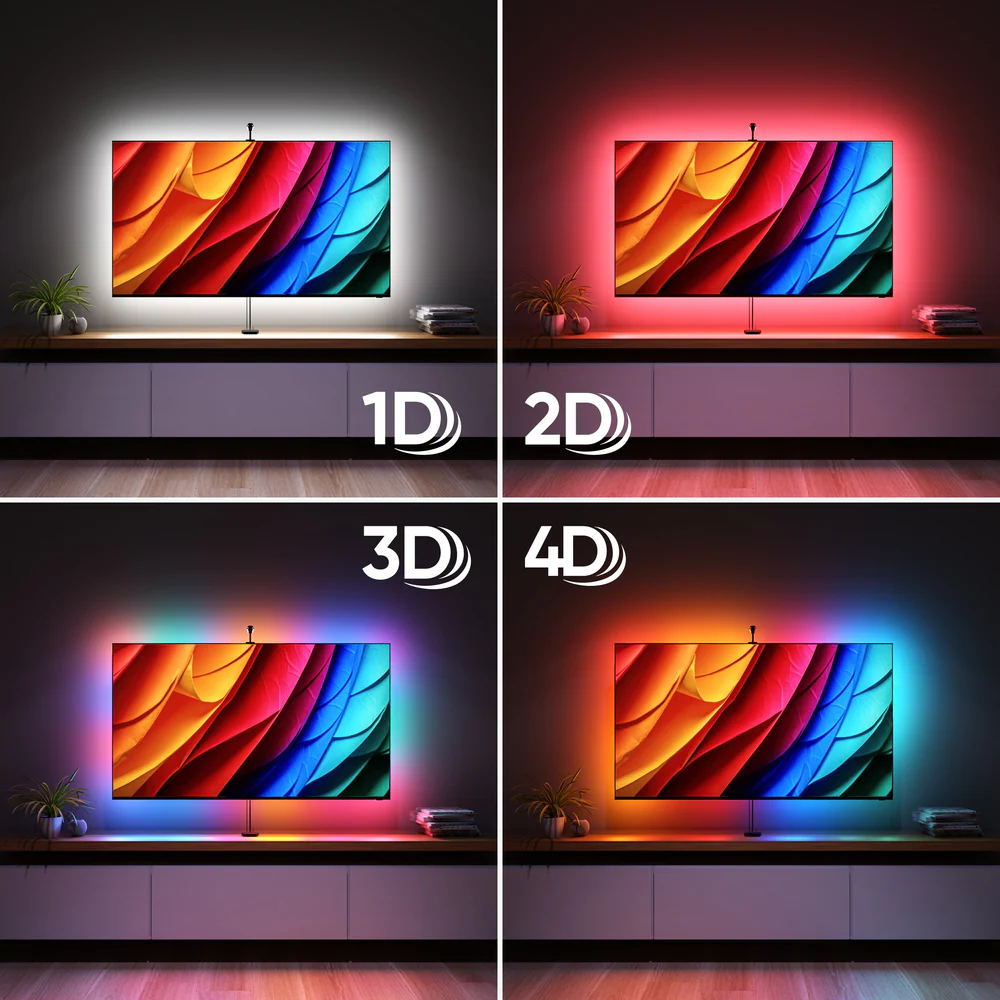
Cinematic offers a more muted, ambient colour match for subtle immersion, while Vivid boosts saturation and brightness for a more intense, vibrant extension of screen colours, which is perfect for gaming. You can also choose the level of immersion from 1D to 4D. 1D provides ambient white backlighting that adapts to the screen’s brightness, while 4D displays an exact match of your content.
If you already own other Nanoleaf lights, you can use “Sync+” to have them mirror your TV. It turns your living room into a full-blown light show, which is overkill for watching the evening news but incredible for playing games like Mario Kart.
Another fun feature is Music Reactivity, which makes the lights pulse to the beat of a song, turning your living room into a mini nightclub. My daughters love this and have had plenty of dance sessions in the living room.
You can change all of these settings using the Nanoleaf App or the Nanoleaf 4D controller.
Final Thoughts
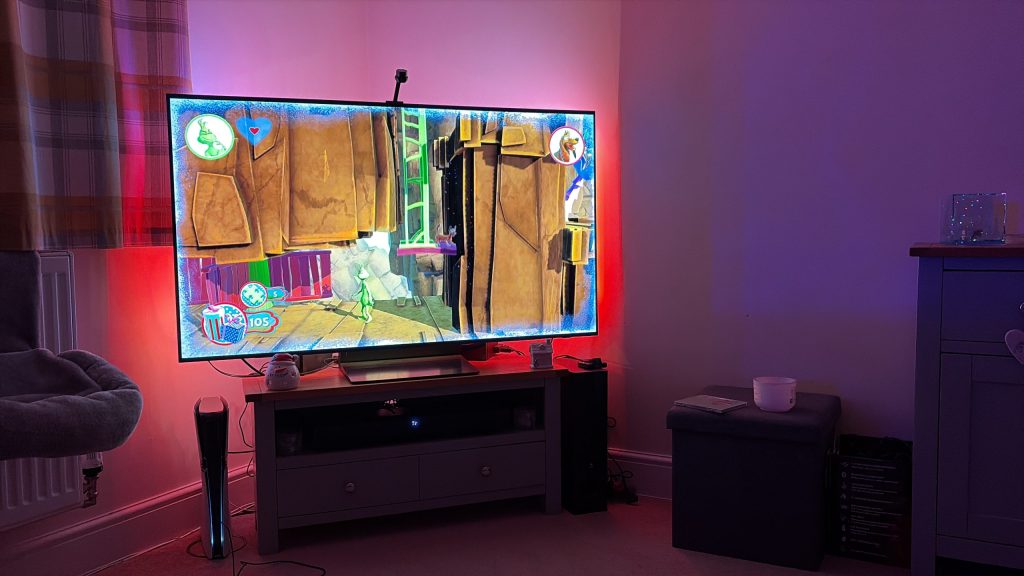
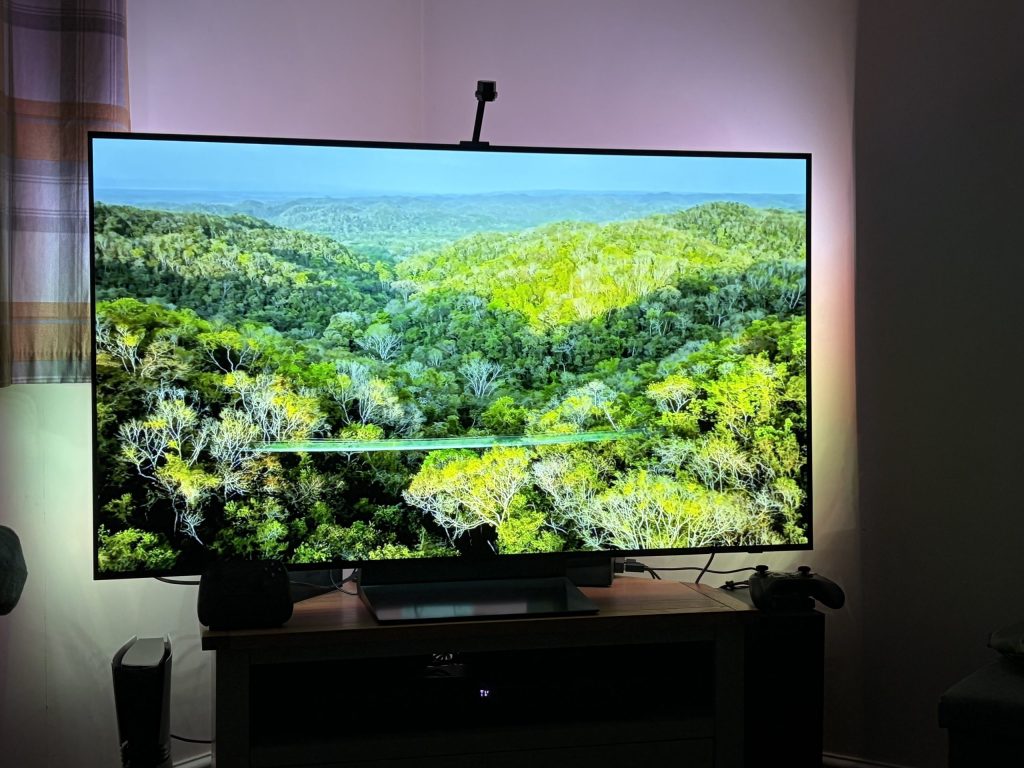
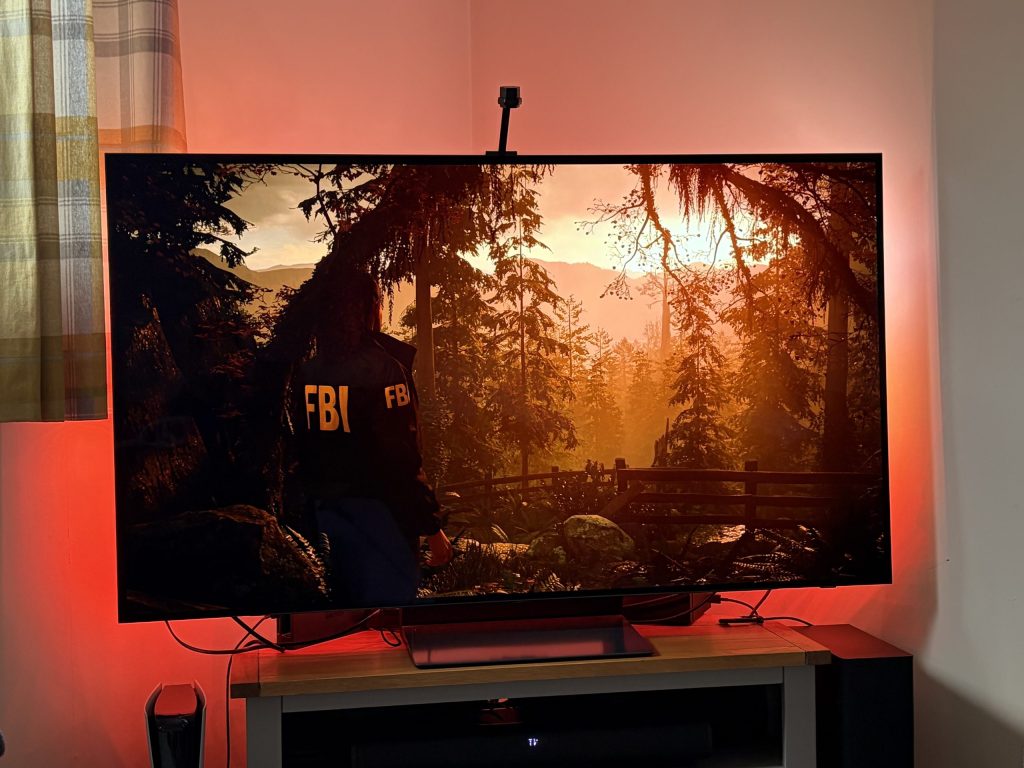
The Nanoleaf 4D V2 is a fun and unique way to enhance your entertainment setup. For me, it is the perfect upgrade for movie nights or gaming sessions. It’s not a must-have, but if you love gadgets and want to add some extra flair to your viewing experience, it’s definitely worth checking out—especially if you can get it on sale!
If you want to upgrade your movie watching and gaming sessions, you can get your own on the Nanoleaf website.
Thank you so much to the many companies for providing the products featured above, and thank you for taking the time to read The 12 Days of Techmas 2025 – we hope you’ve enjoyed it! See you in 2026!


2 Comments
Geyser_funny
Thank you so much for putting this together! The Nanoleaf Matter Smart String Lights (300 LEDs) are exactly what I have been looking for, ever since I saw our warm white lights turned multicoloured through the prism effect of our door window!
And the Creative Stage Pro are a pretty great, affordable audio solution too!
Mike O'Hara
Thank you so much for taking the time to leave a reply! I’m so glad that you enjoyed the article!