Everblog Digital Planner Review: A Smarter Way to Keep Family Life on Track
Keeping on top of work, school runs, after-school clubs, and everything else that comes with family life can feel like a full-time job in itself. So when I got the chance to try out the Everblog Digital Planner, I was genuinely curious to see if it could make things a bit easier.
In short, it’s a large touchscreen display designed to bring your calendar, chores, meal planning, and reminders together in one place. After using it for a while, here’s how it held up in a busy household.
What is the Everblog Digital Planner?
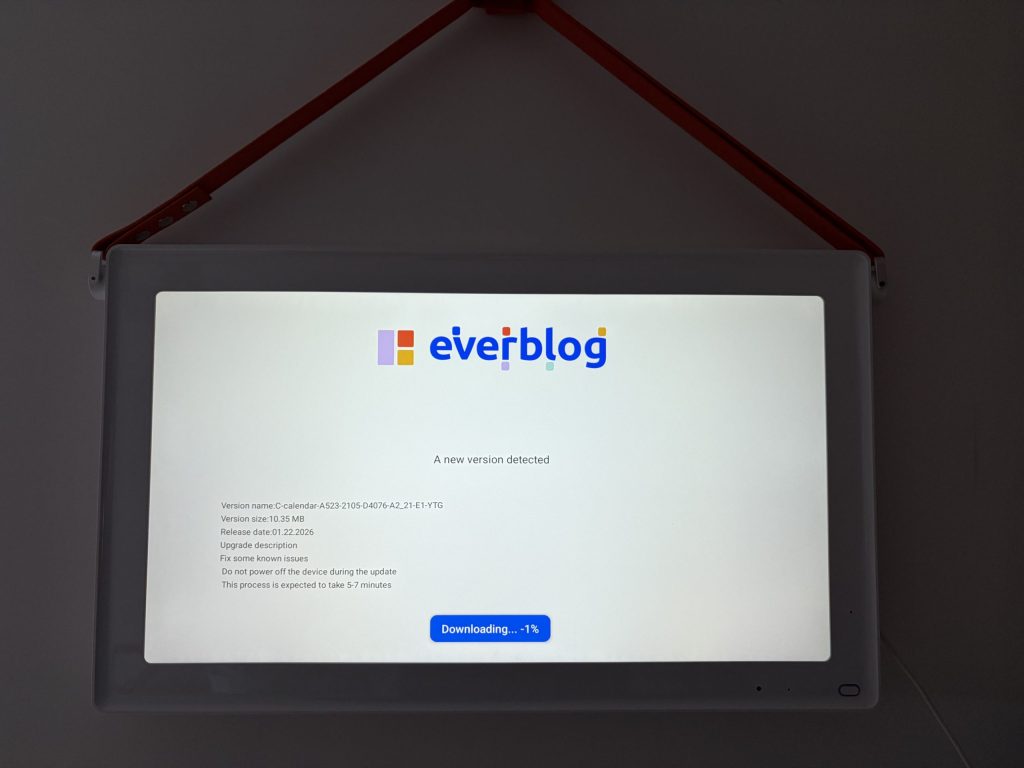
The Everblog is a 21.5” touchscreen that acts as a shared planning hub for your home. You can mount it on a wall or place it somewhere central—we went with the kitchen, since that’s where everyone tends to pass through at some point in the day.
The idea is simple: instead of everyone relying on their own phones or separate apps, everything is visible in one place. At a glance, you can see schedules, reminders, and tasks without having to dig around for them.
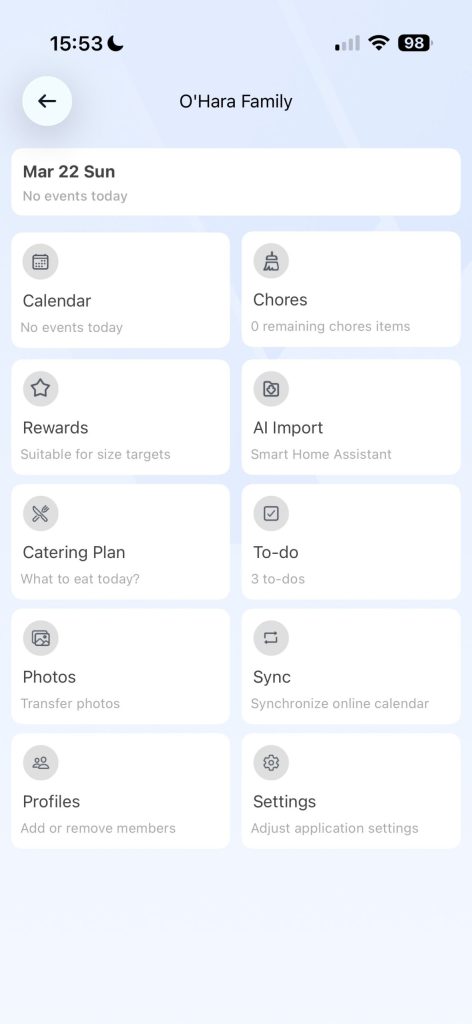
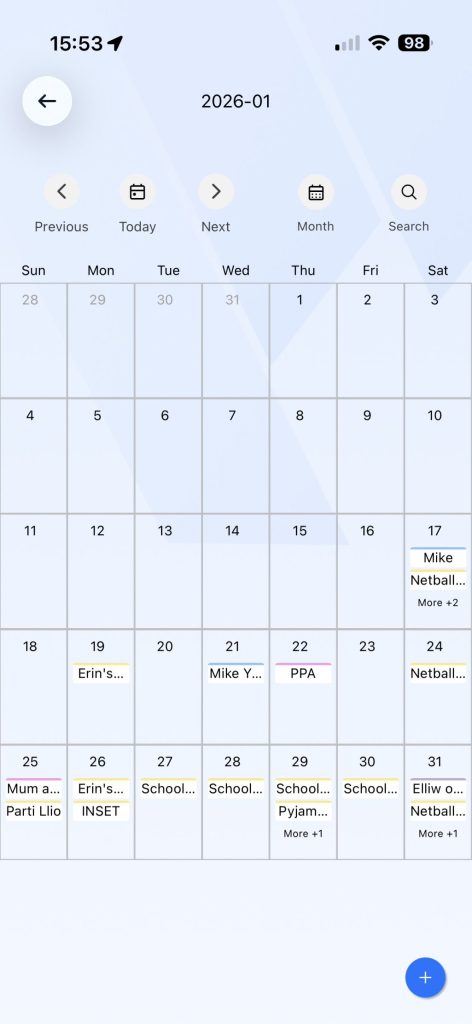
It syncs with Google Calendar, Apple Calendar, and Outlook, which is a big plus. Once it’s set up, everything updates automatically, so you’re not stuck entering the same information twice.
Who is it for?
This kind of setup won’t be for everyone, but it makes a lot of sense if you’ve got a busy household. It’s particularly useful for:
- Families juggling multiple schedules
- Parents trying to keep on top of chores and routines
- Households already using digital calendars but wanting something more visible
- Anyone fed up with having everything scattered across different apps
For us, it quickly became the go-to place to check what’s happening each day.
What were our favourite features?
Shared family calendar
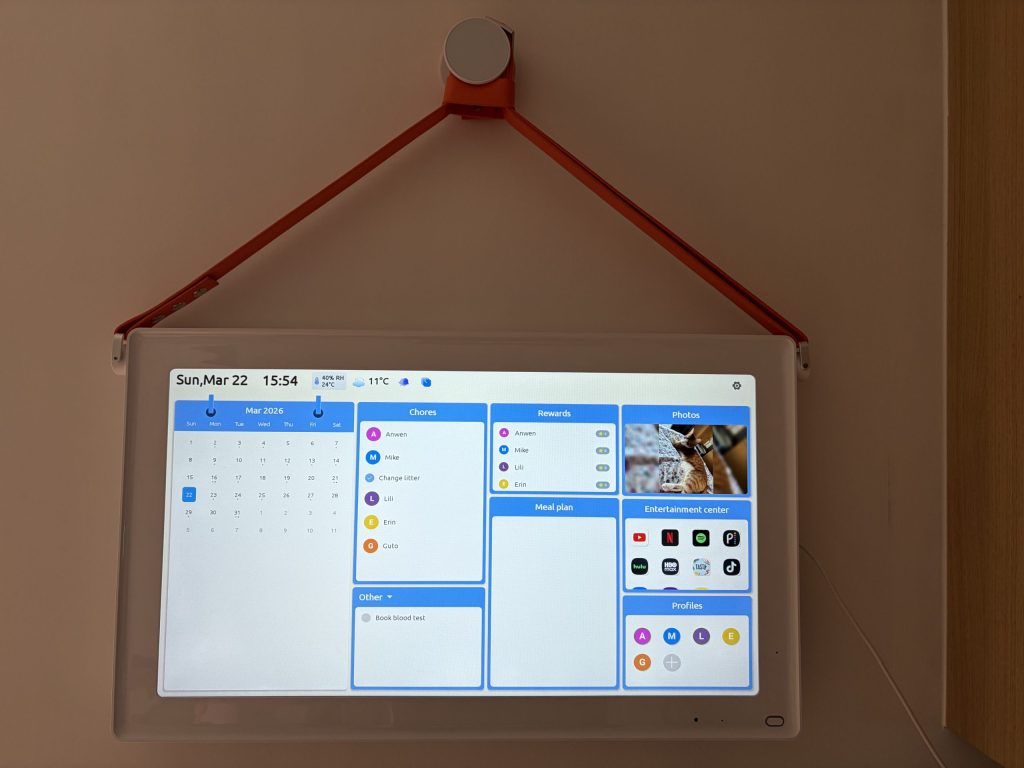
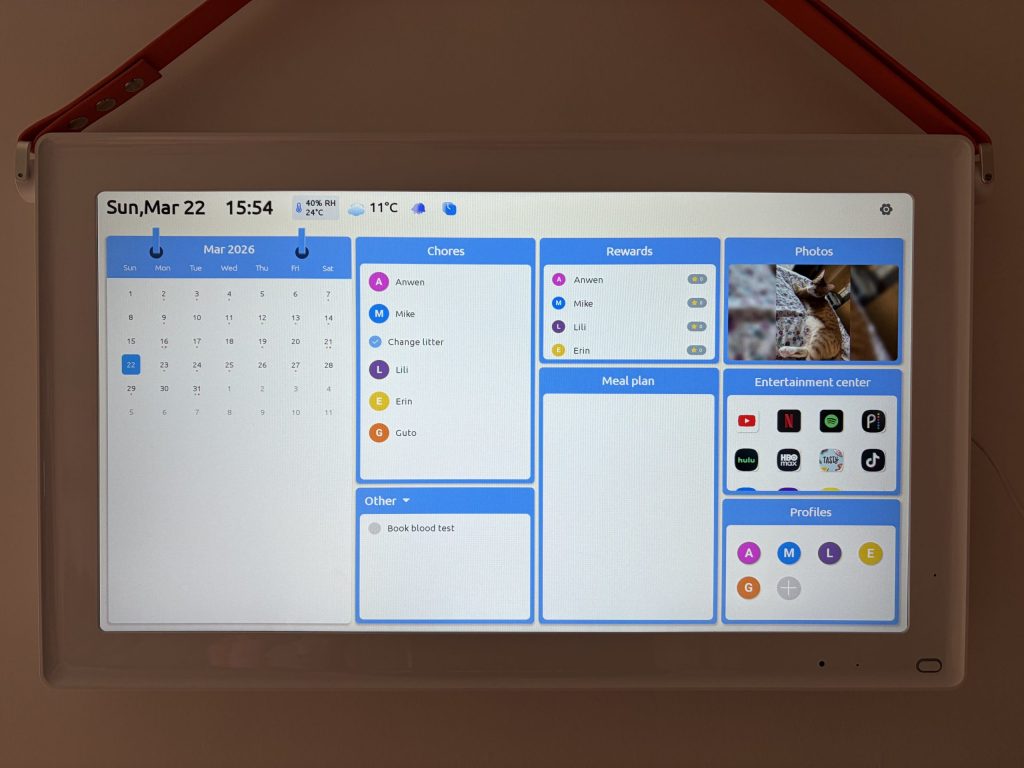
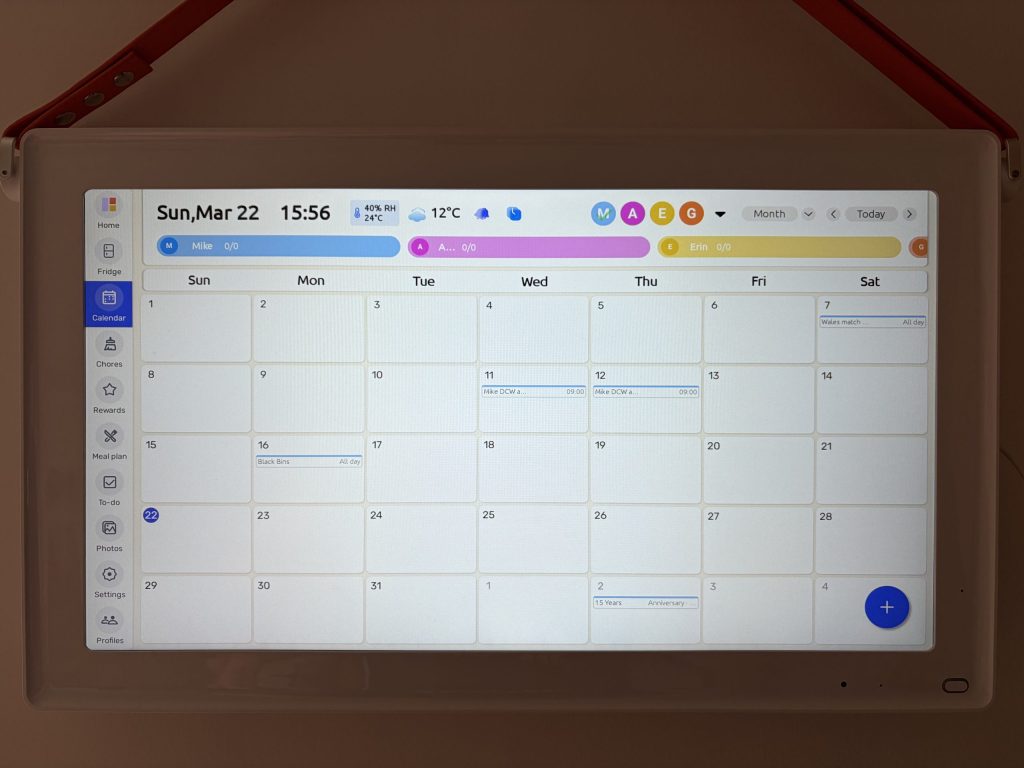
The main feature is the shared calendar, and this is where it really shines. Each person can have their own colour-coded schedule, so it’s easy to see who needs to be where. It cut down a lot of the usual questions like “What’s on today?” or “Who’s picking up the kids?”—you just glance at the screen and it’s all there. Because it syncs with existing calendars, things like meetings, school events, and appointments show up automatically, which saves a lot of hassle.
Tasks and chores
This was one of the more interesting features. You can set up chore lists, assign tasks, and even build in rewards.
We added things like:
- Cleaning bedrooms
- Taking out the bins
- Feeding the cat
- Homework reminders
Having it on a big screen makes it much harder to ignore than a phone notification. That said, our kids still gave it their best effort… but at least now there’s no excuse for “forgetting.”
Meal planning and shopping lists
We ended up using this more than expected. Planning meals for the week and building a shared shopping list in one place just made things simpler. It definitely helped avoid that last-minute “what are we having tonight?” panic.
Photo frame feature
A nice touch is that it can double as a digital photo frame. When it’s not being used for planning, it displays photos, which helps it blend into the home a bit more instead of looking like a piece of office tech stuck on the wall.
Screen and usability
The 21.5” screen is a good size—big enough to read from across the room without being overwhelming. The touchscreen is responsive and straightforward to use, so adding events or tasks directly on the device feels pretty natural.
Built-in entertainment
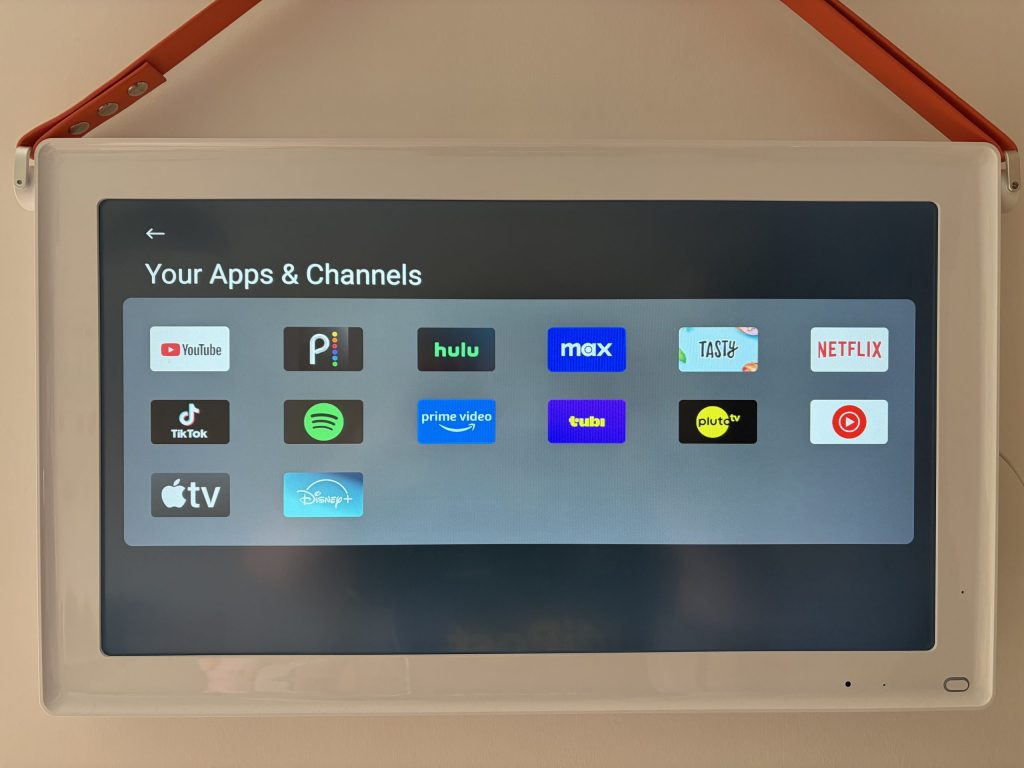
One slightly unexpected feature is the built-in entertainment apps like Netflix, Disney+, Prime Video, and YouTube. It’s handy if you want something on in the background while cooking, or if you’re following a recipe video.
Things to consider
It’s not perfect, and there are a couple of things worth thinking about. The biggest one is the price. It’s a bigger investment compared to a standard wall calendar or just using your phone. There’s also a bit of setup involved, especially if you’re linking multiple accounts. It’s not overly complicated, but it might take a little time to get everything running smoothly.
Final thoughts
Overall, the Everblog Digital Planner is a really interesting mix of tech and traditional organisation. What makes it stand out is the visibility. Having everything in one place, on a screen everyone can see, genuinely makes it easier to stay organised as a family.
It won’t replace every app you use, but it does a great job of bringing everything together in a way that actually works day-to-day. If your household feels a bit chaotic at times, this might be exactly the kind of tool that helps bring some order back.
Rapid Reviews Rating

4.5 out of 5
4.5
Visit the Everblog website to find out more about this digital planner.
If you enjoyed reading about the Eveblog, why not check out our other tech reviews here?
